Comunicação

Descrição

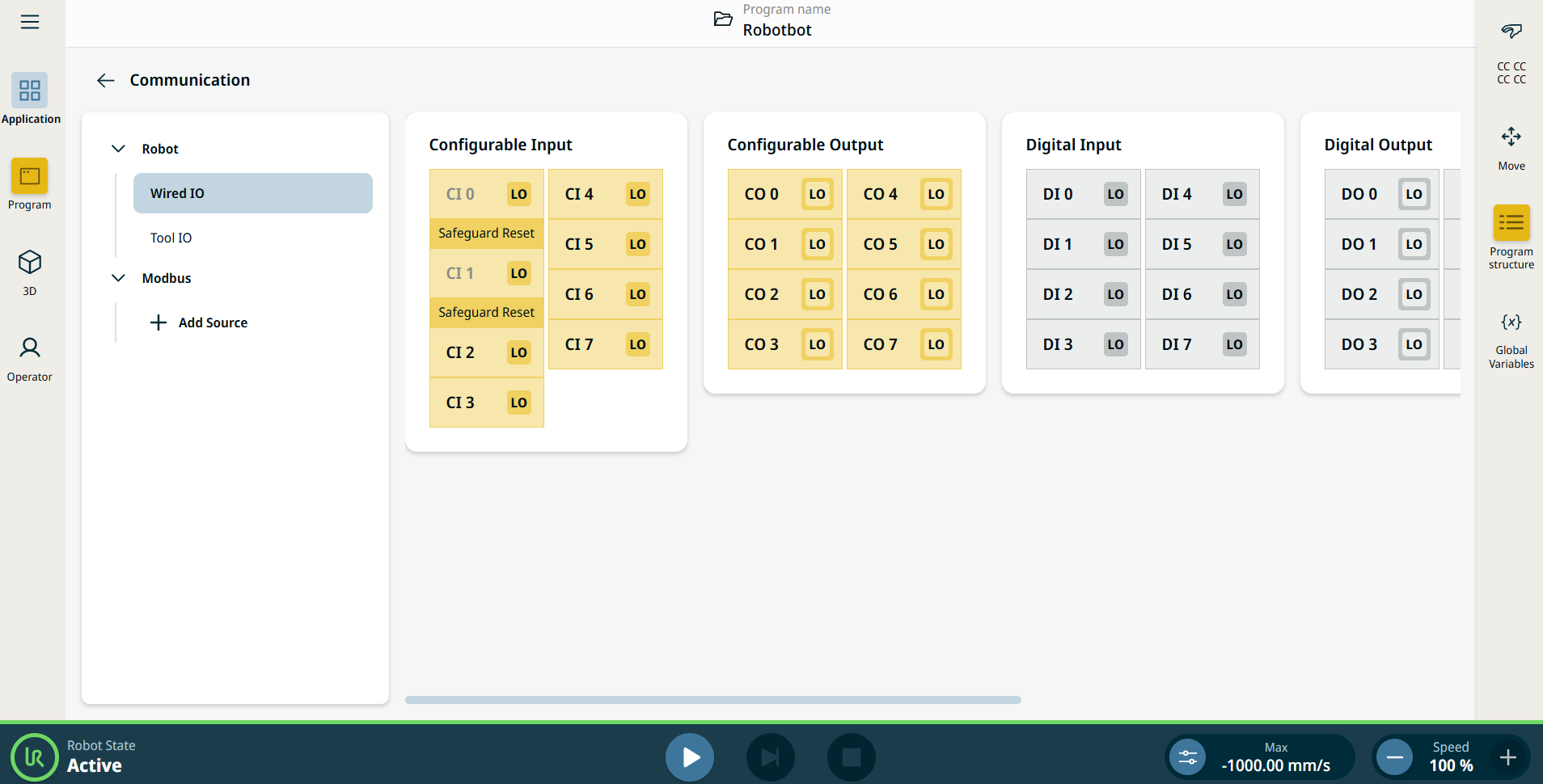
O separador da aplicação Comunicação permite monitorizar e definir os sinais IO (entrada-saída) em tempo real de/para a caixa de controlo do robô.


Figura 38.2:  Ecrã Comunicação que apresenta as E/S.


Using the Communication application functionality

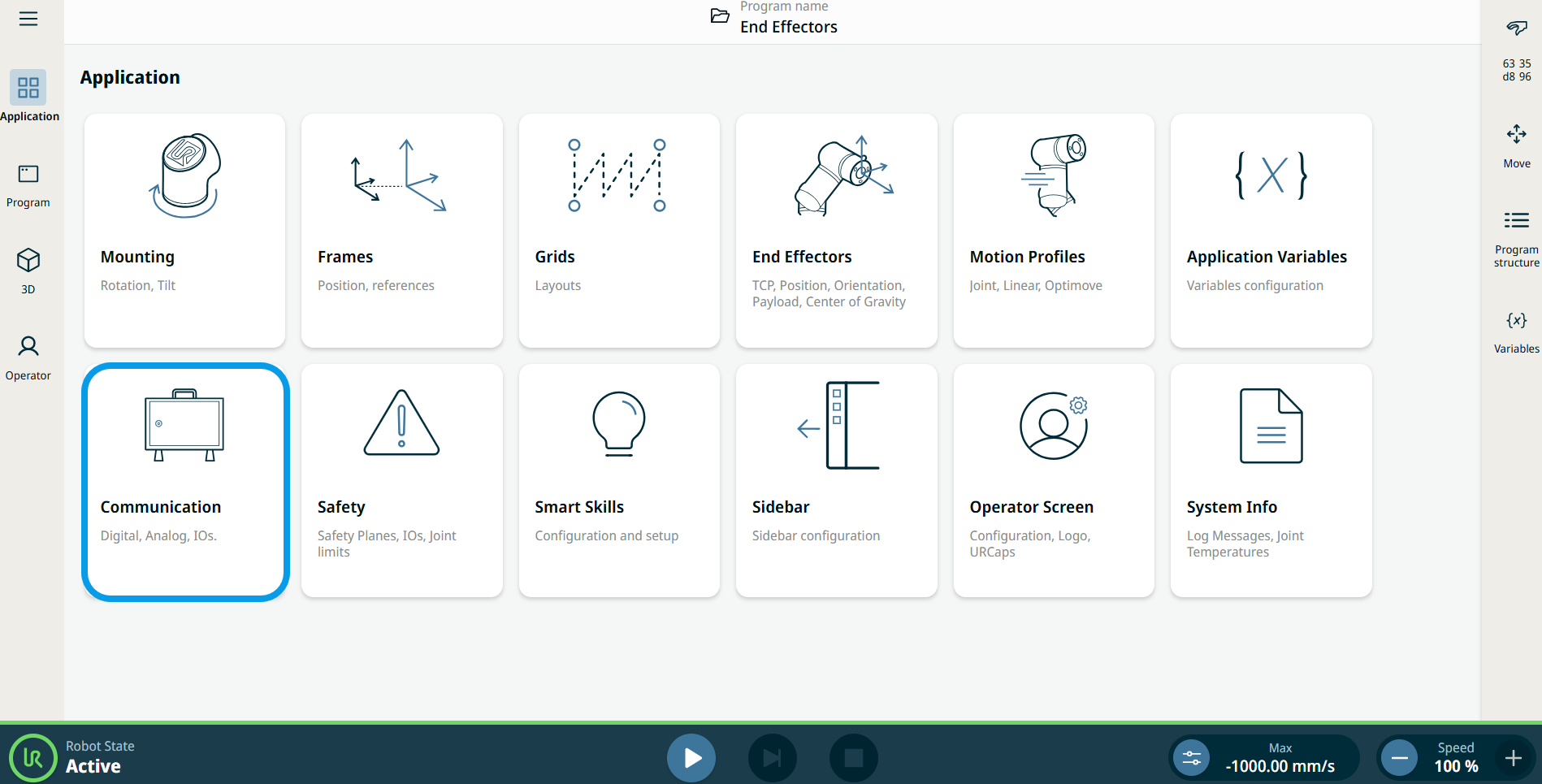
  1. Go to the Application menu screen. See Separador Aplicação.

  2. Tap the Communication icon.


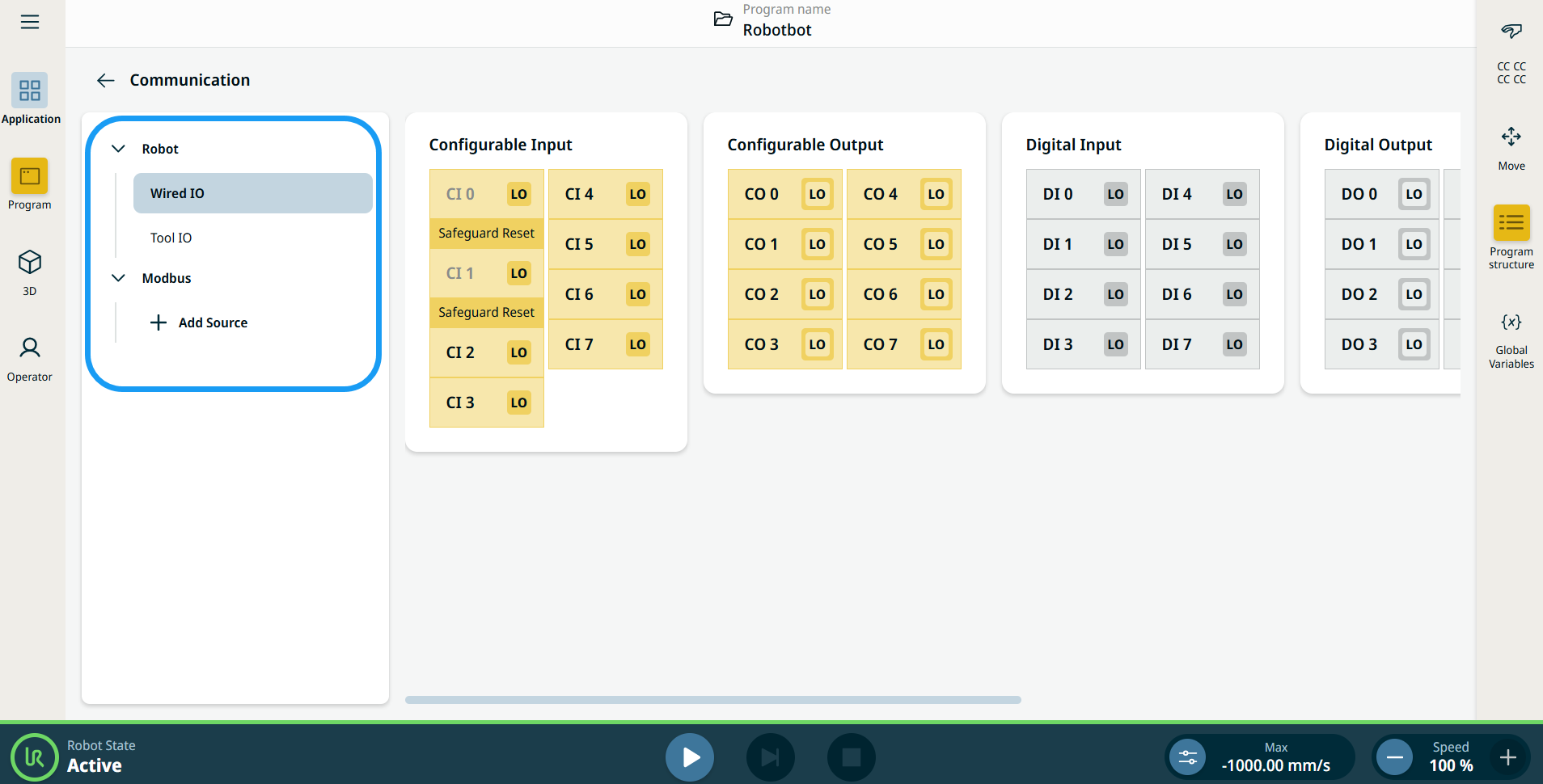
    The Communication screen appears, which is divided into the left panel and the right panels.


    The left panel consists of the communication tree, composed of three functions:

    • Robot Wired IO

    • Robot Tool IO

    • Modbus

    The right panels show the editable fields of the chosen function.