Komunikacja

Opis

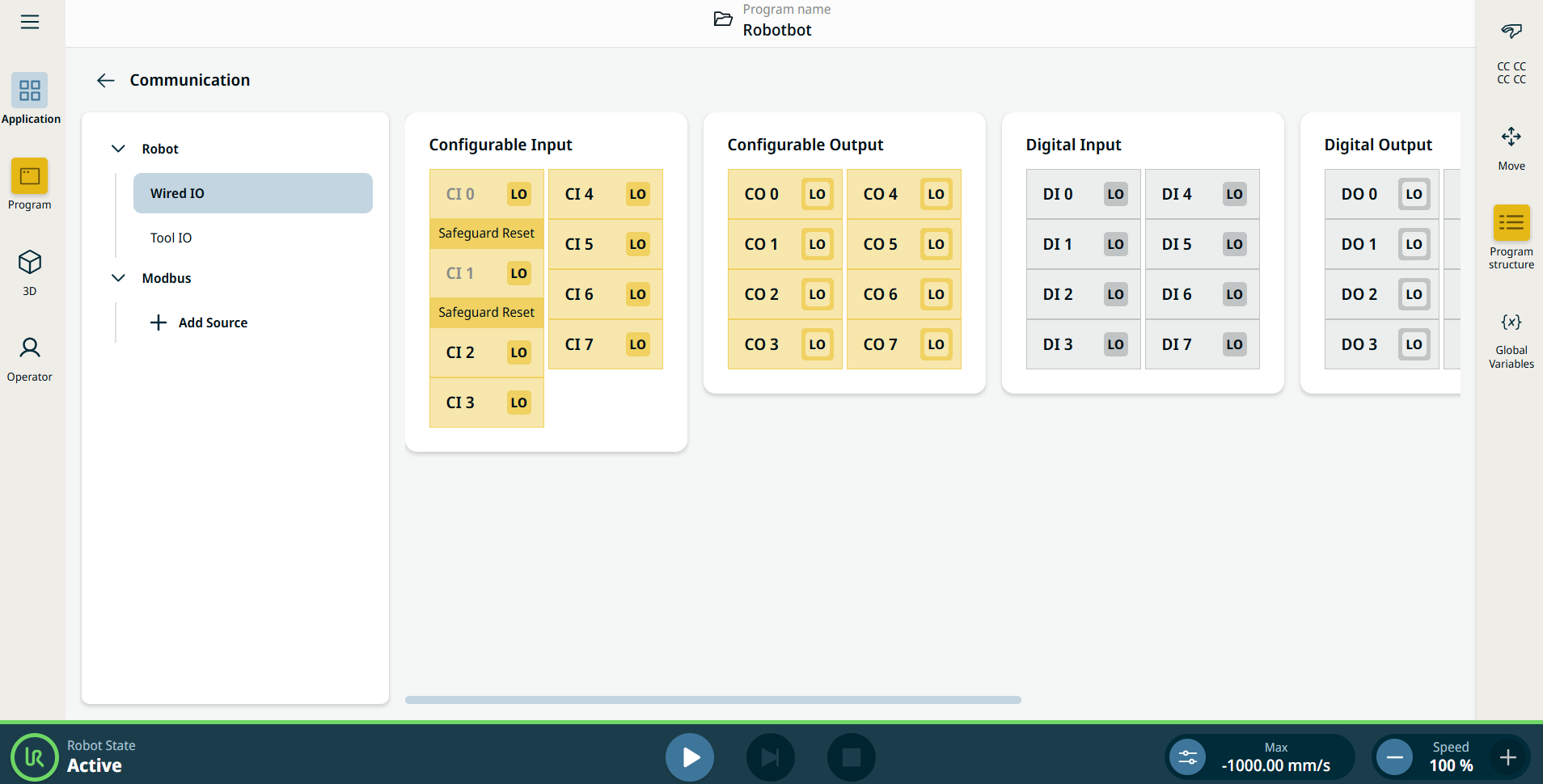
Aplikacja Komunikacja umożliwia monitorowanie i ustawianie aktywnych sygnałów wejściowych i wyjściowych skrzynki sterowniczej robota.


Rysunek 15.4:  Ekran Komunikacja wyświetlający we/wy.


Using the Communication application functionality

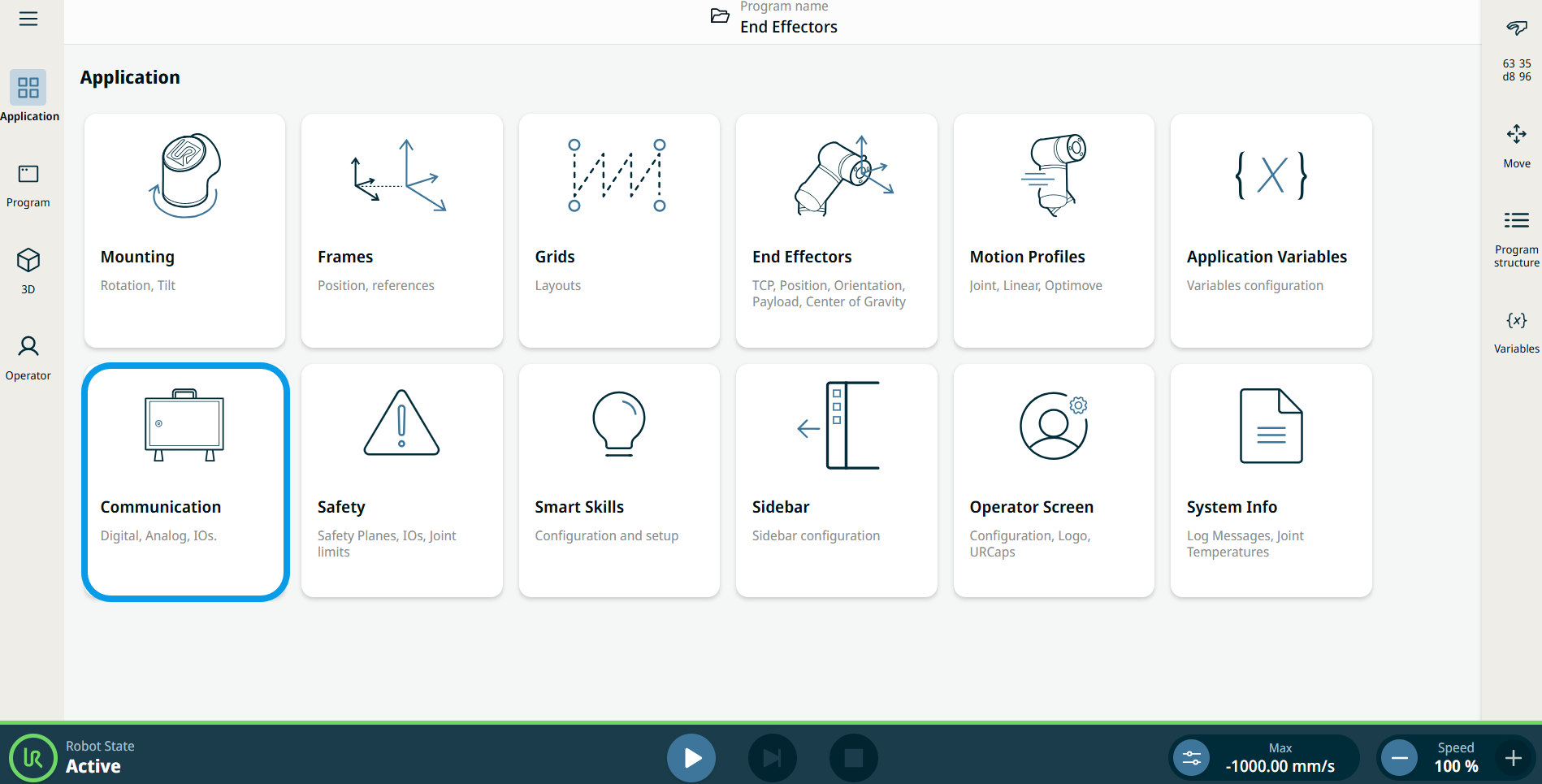
  1. Go to the Application menu screen. Patrz Karta aplikacja.

  2. Tap the Communication icon.


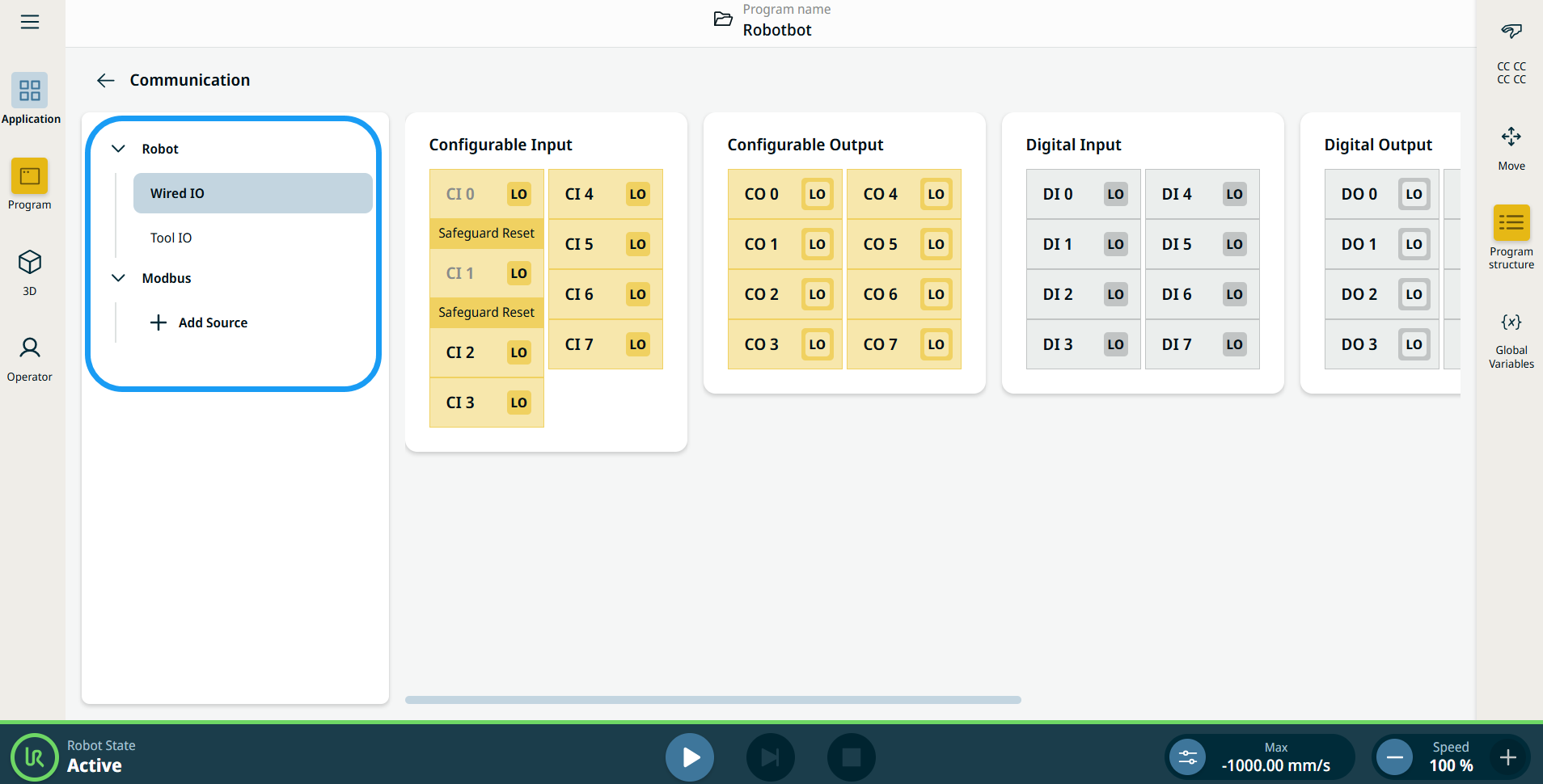
    The Communication screen appears, which is divided into the left panel and the right panels.


    The left panel consists of the communication tree, composed of three functions:

    • Robot Wired IO

    • Robot Tool IO

    • Modbus

    The right panels show the editable fields of the chosen function.