Communicatie

Beschrijving

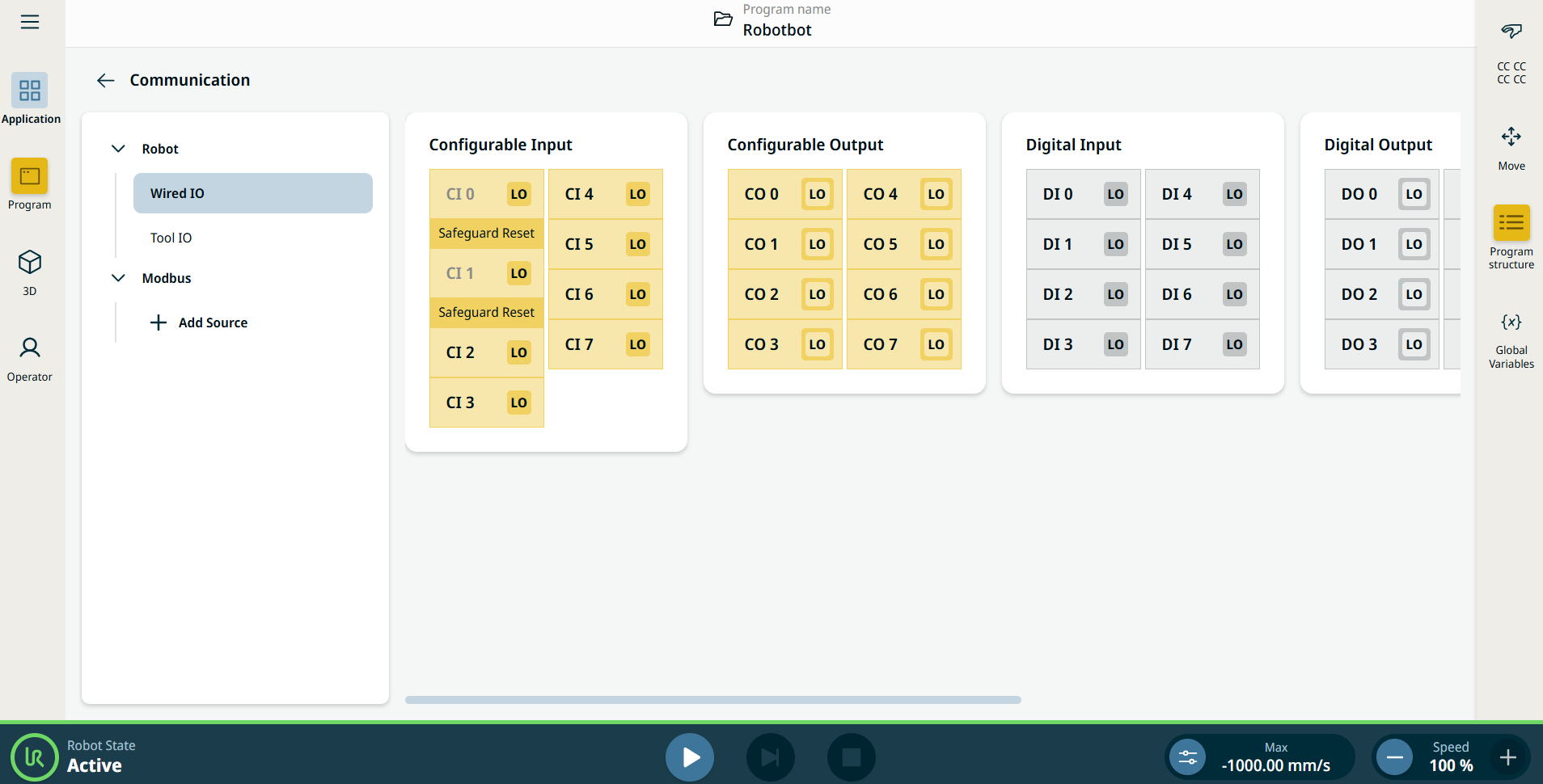
Op het toepassingstabblad Communicatie kunt u de actieve I/O-signalen (in-/uitgang) van en naar de robotregelkast in de gaten houden.


Figuur 15.2:  Communicatiescherm met I/O's.


Using the Communication application functionality

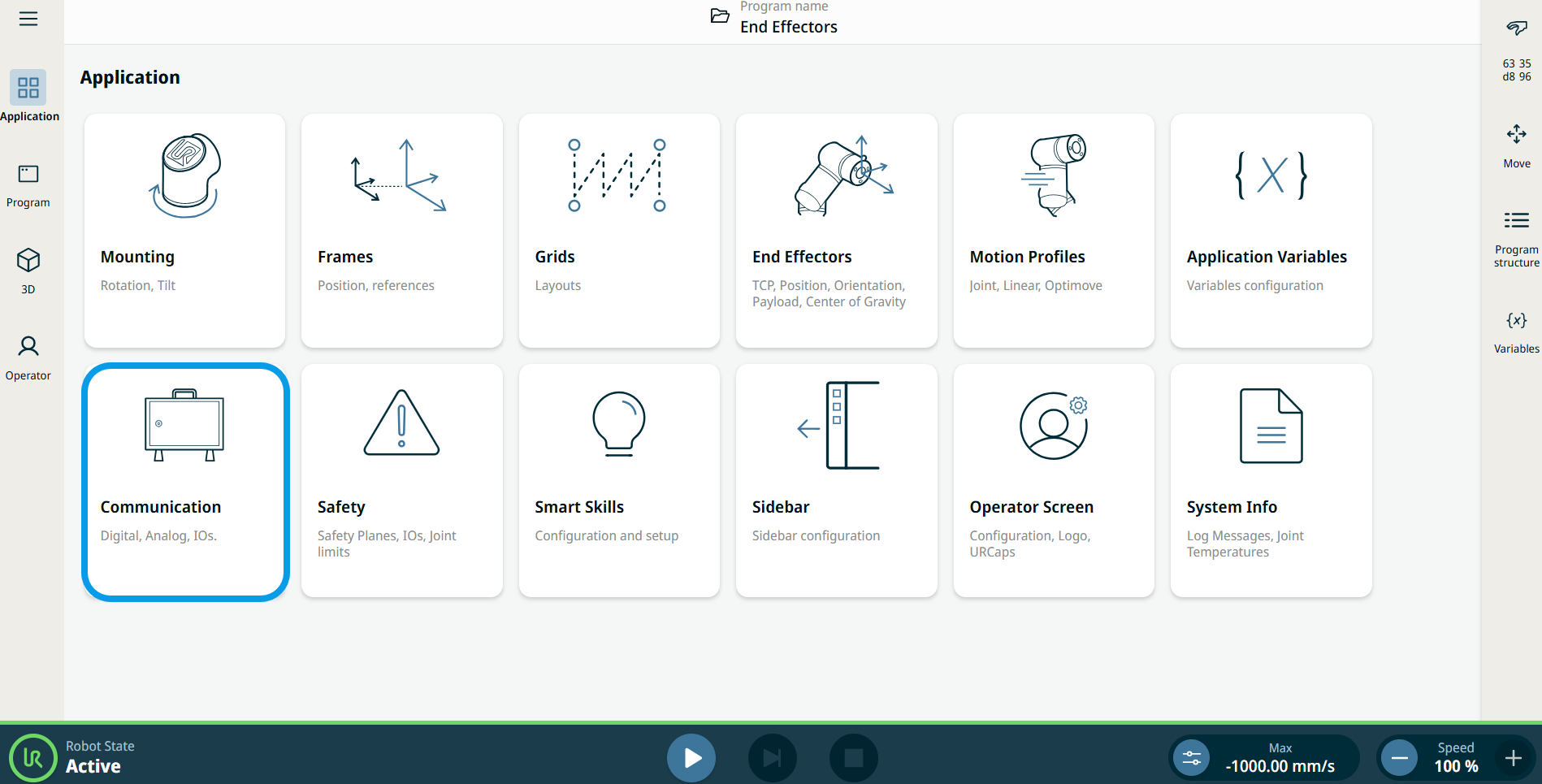
  1. Go to the Application menu screen. See Tabblad Toepassing.

  2. Tap the Communication icon.


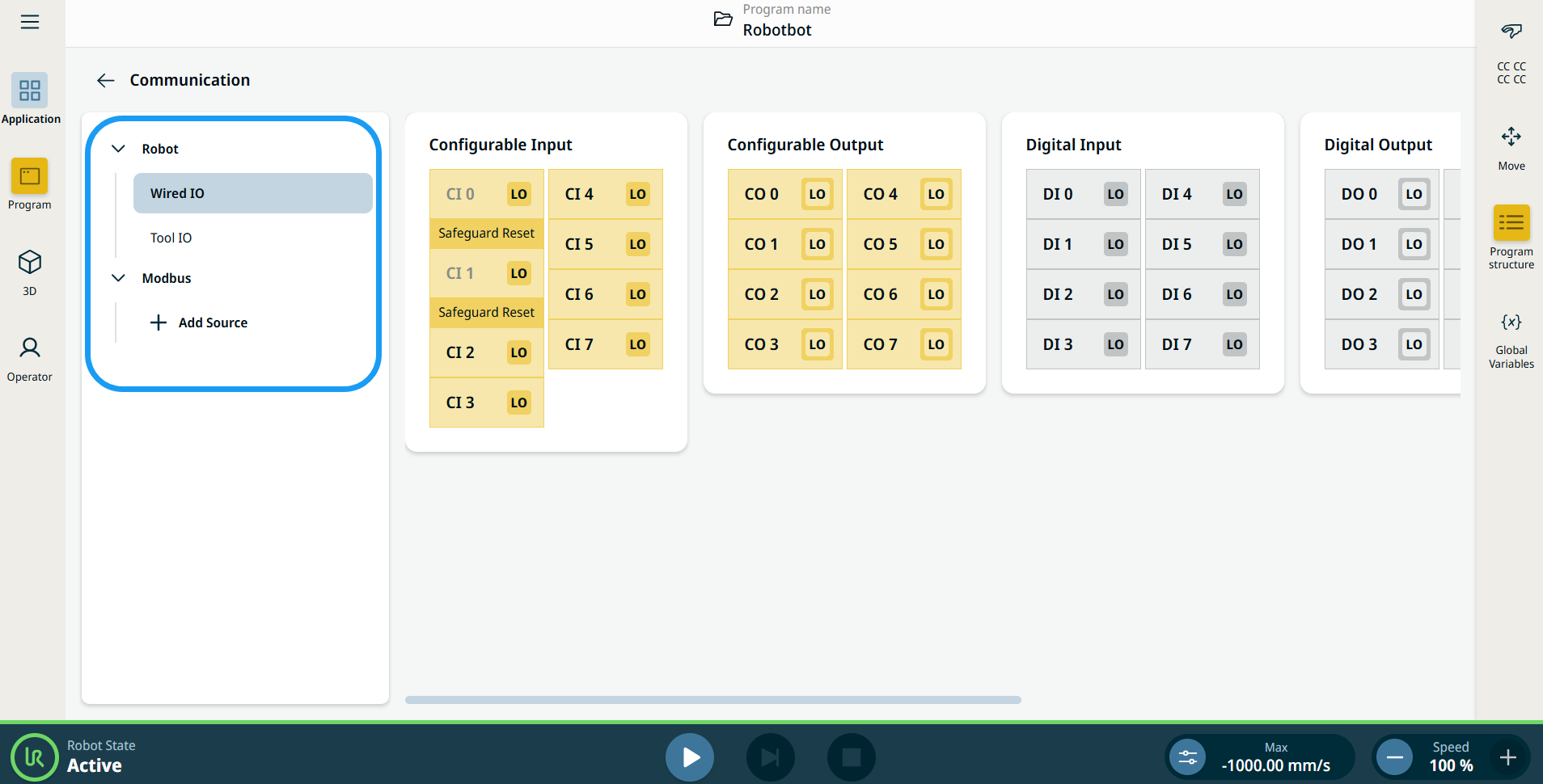
    The Communication screen appears, which is divided into the left panel and the right panels.


    The left panel consists of the communication tree, composed of three functions:

    • Robot Wired IO

    • Robot Tool IO

    • Modbus

    The right panels show the editable fields of the chosen function.