의사소통

설명

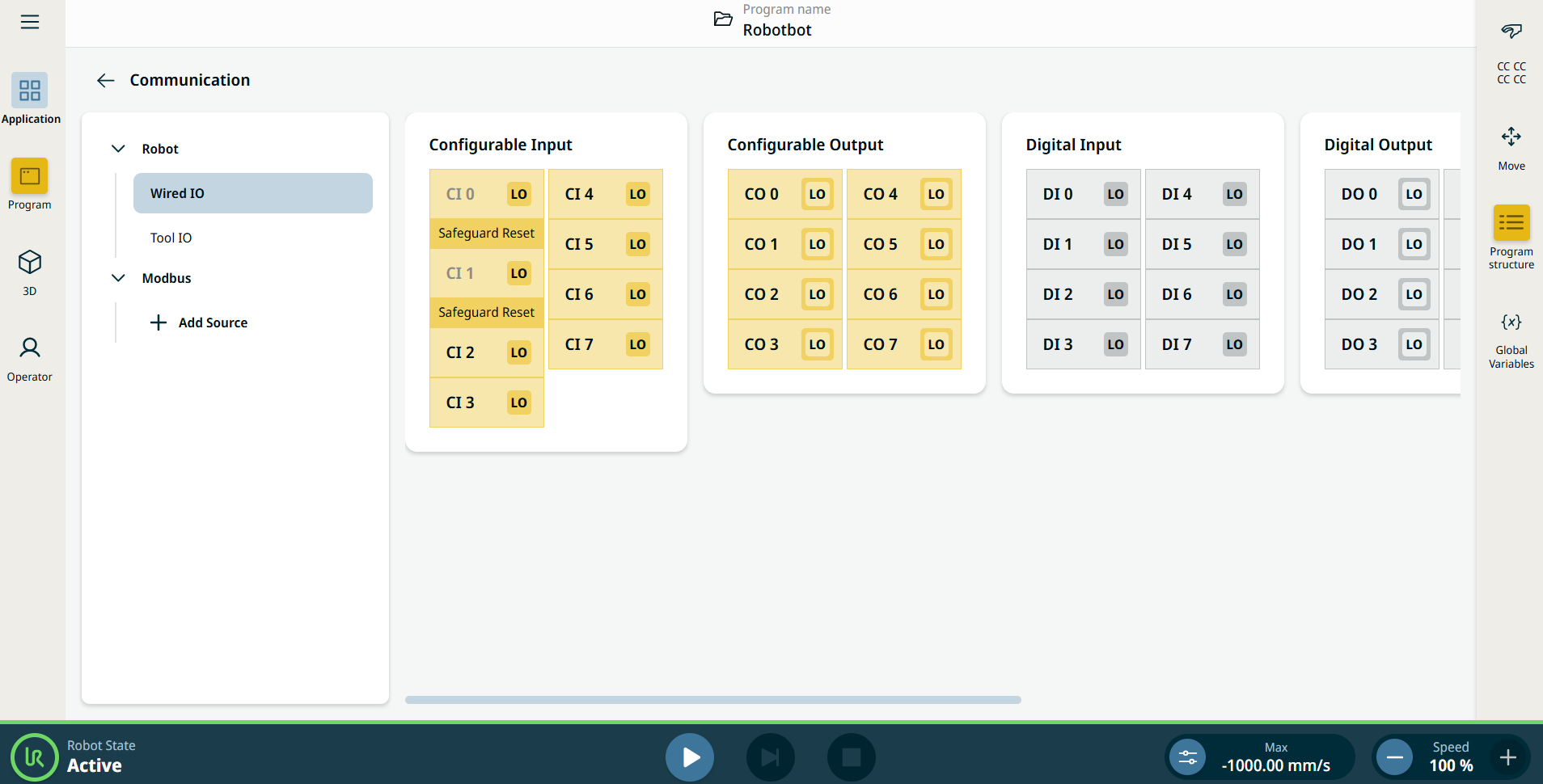
통신 애플리케이션에서는 로봇 컨트롤 박스 간에 송수신하는 라이브 IO(입력-출력) 신호를 모니터링하고 설정할 수 있습니다.


그림 15.4:  IO가 표시된 통신 화면.


Using the Communication application functionality

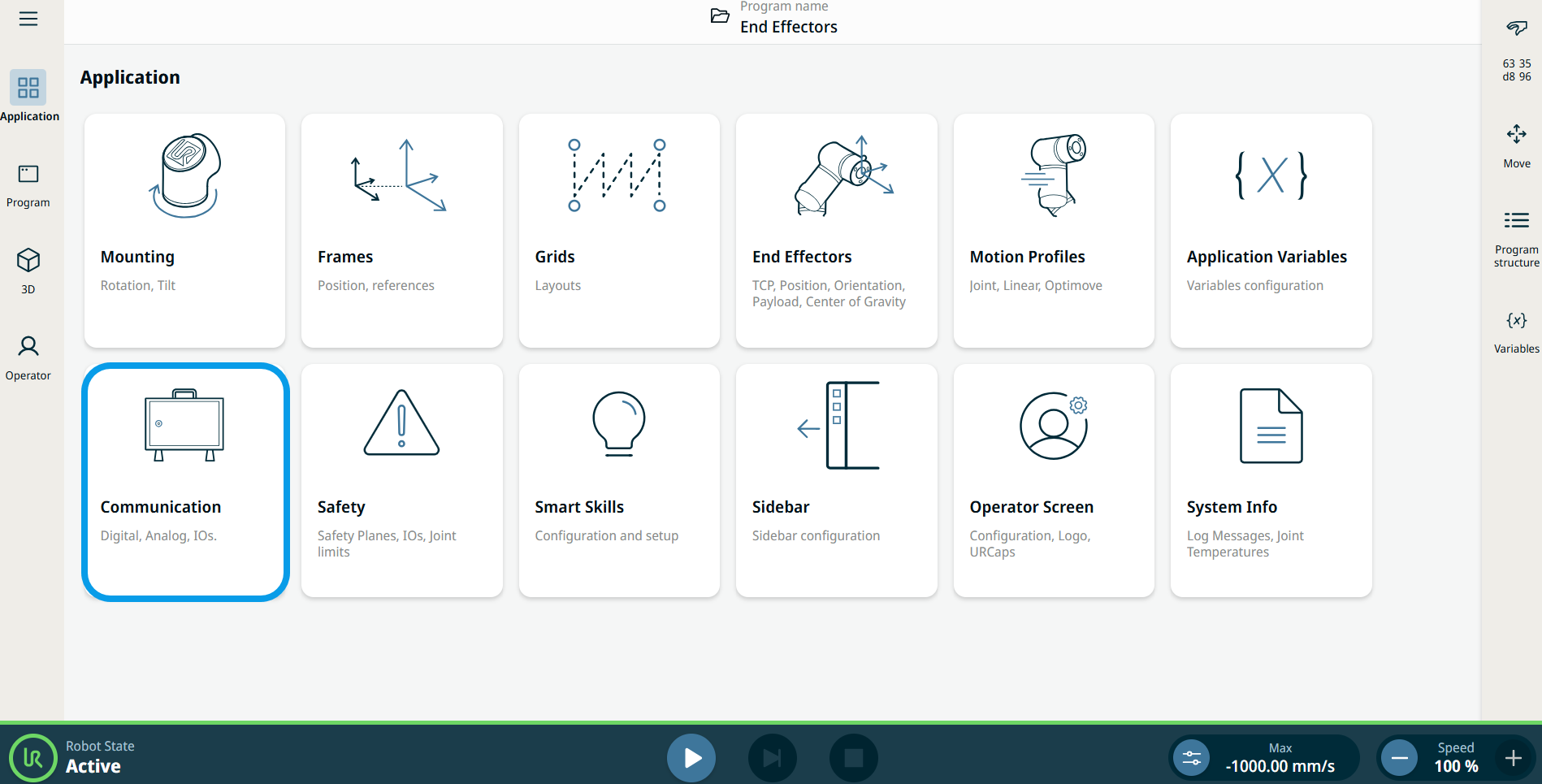
  1. Go to the Application menu screen. 애플리케이션 탭를 참조하십시오.

  2. Tap the Communication icon.


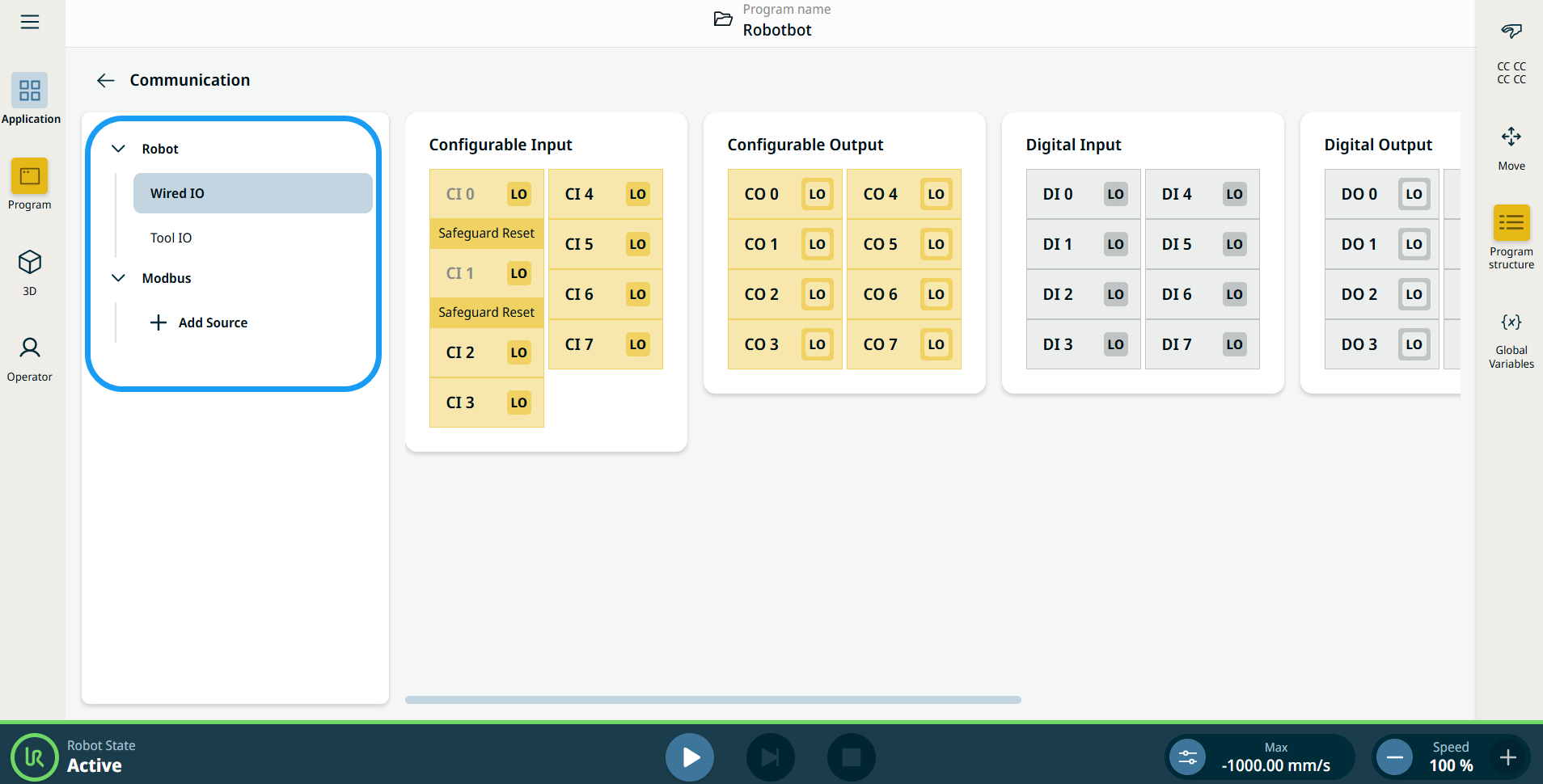
    The Communication screen appears, which is divided into the left panel and the right panels.


    The left panel consists of the communication tree, composed of three functions:

    • Robot Wired IO

    • Robot Tool IO

    • Modbus

    The right panels show the editable fields of the chosen function.