コミュニケーション

説明

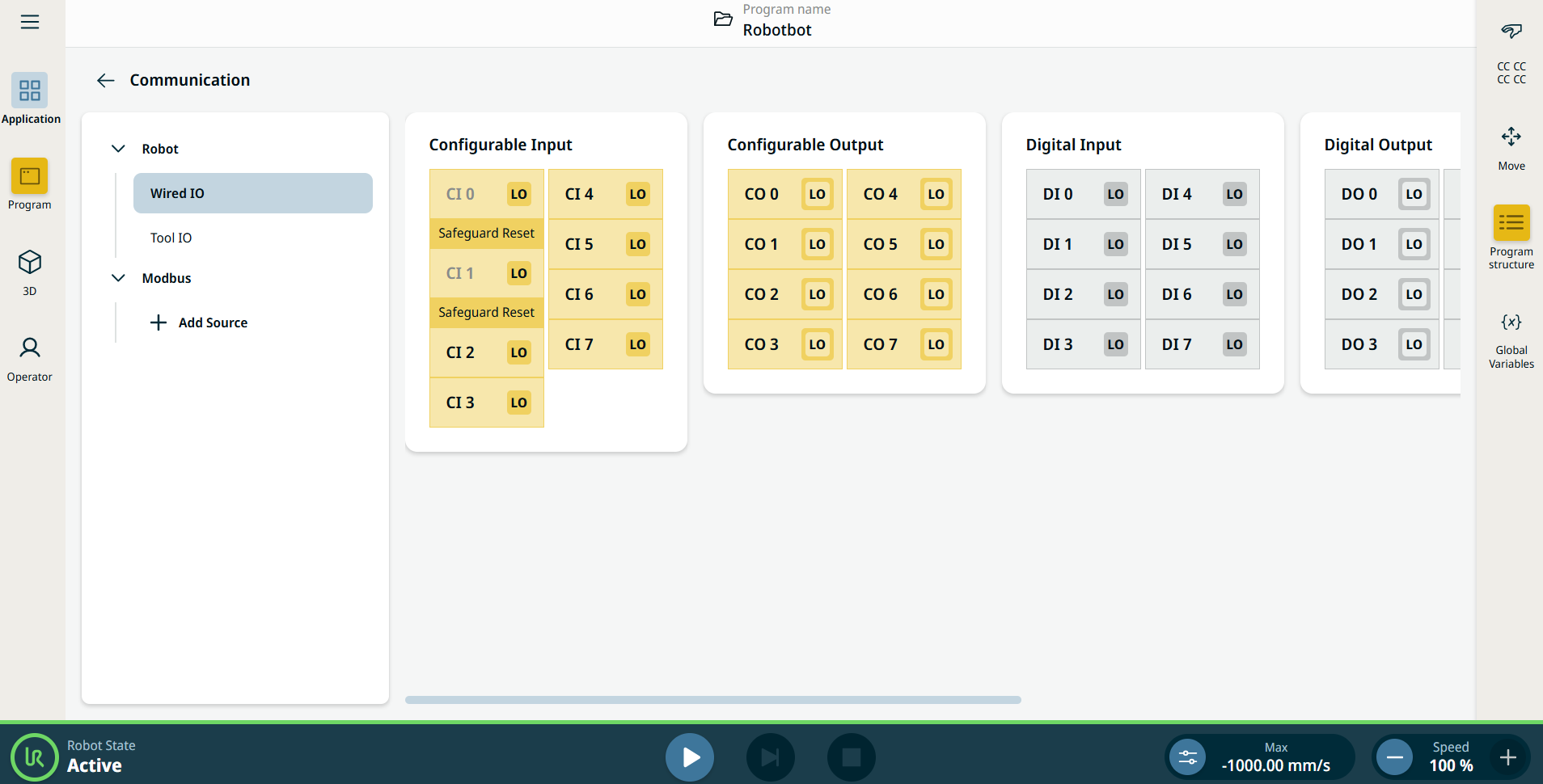
[通信アプリケーション] タブを使用すると、ロボットのコントロールボックスが送受信する生 I/O 信号を監視および設定できます。


図 38.2:  IO を表示する通信画面。


Using the Communication application functionality

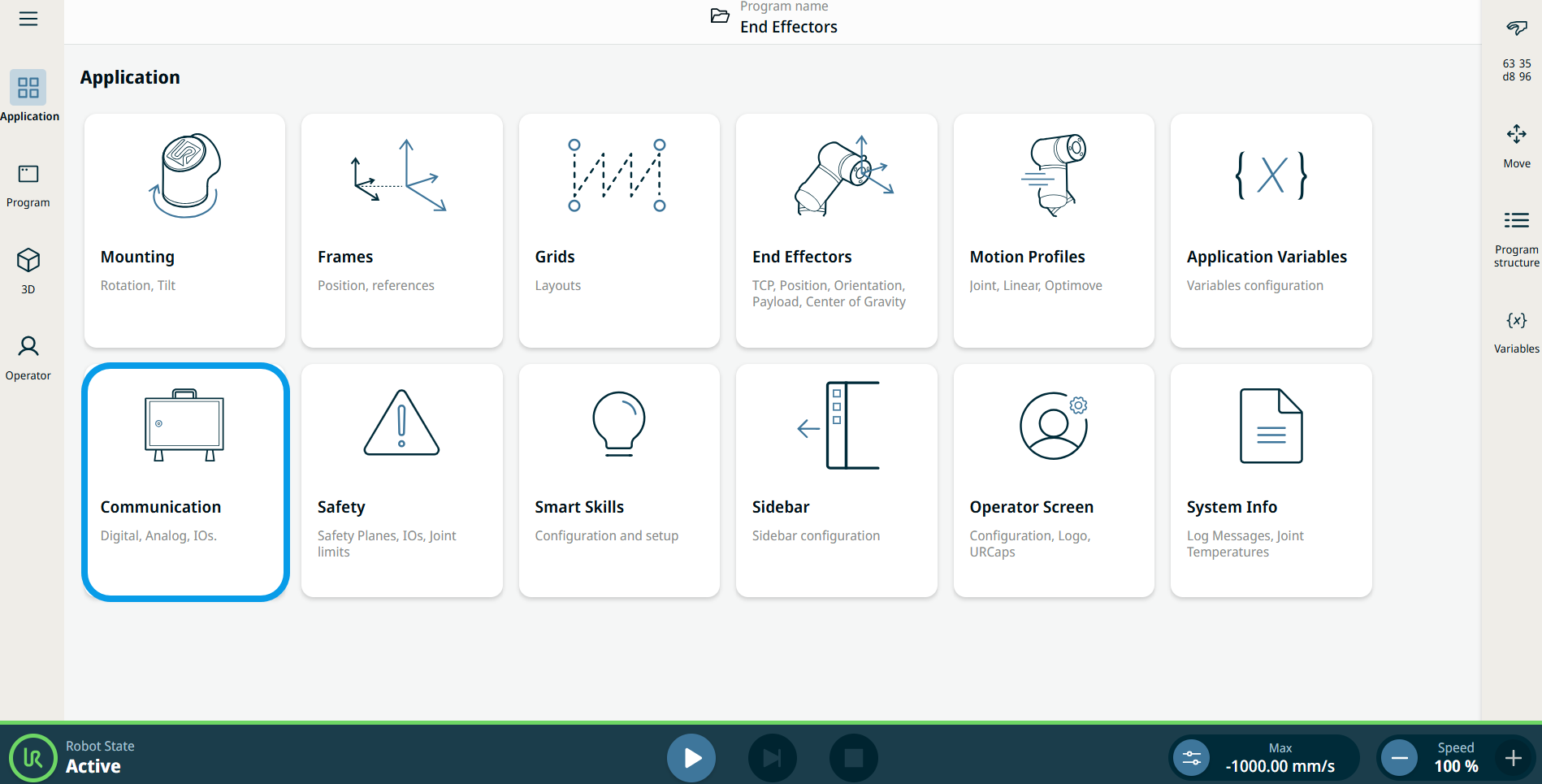
  1. Go to the Application menu screen. See [アプリケーション] タブ.

  2. Tap the Communication icon.


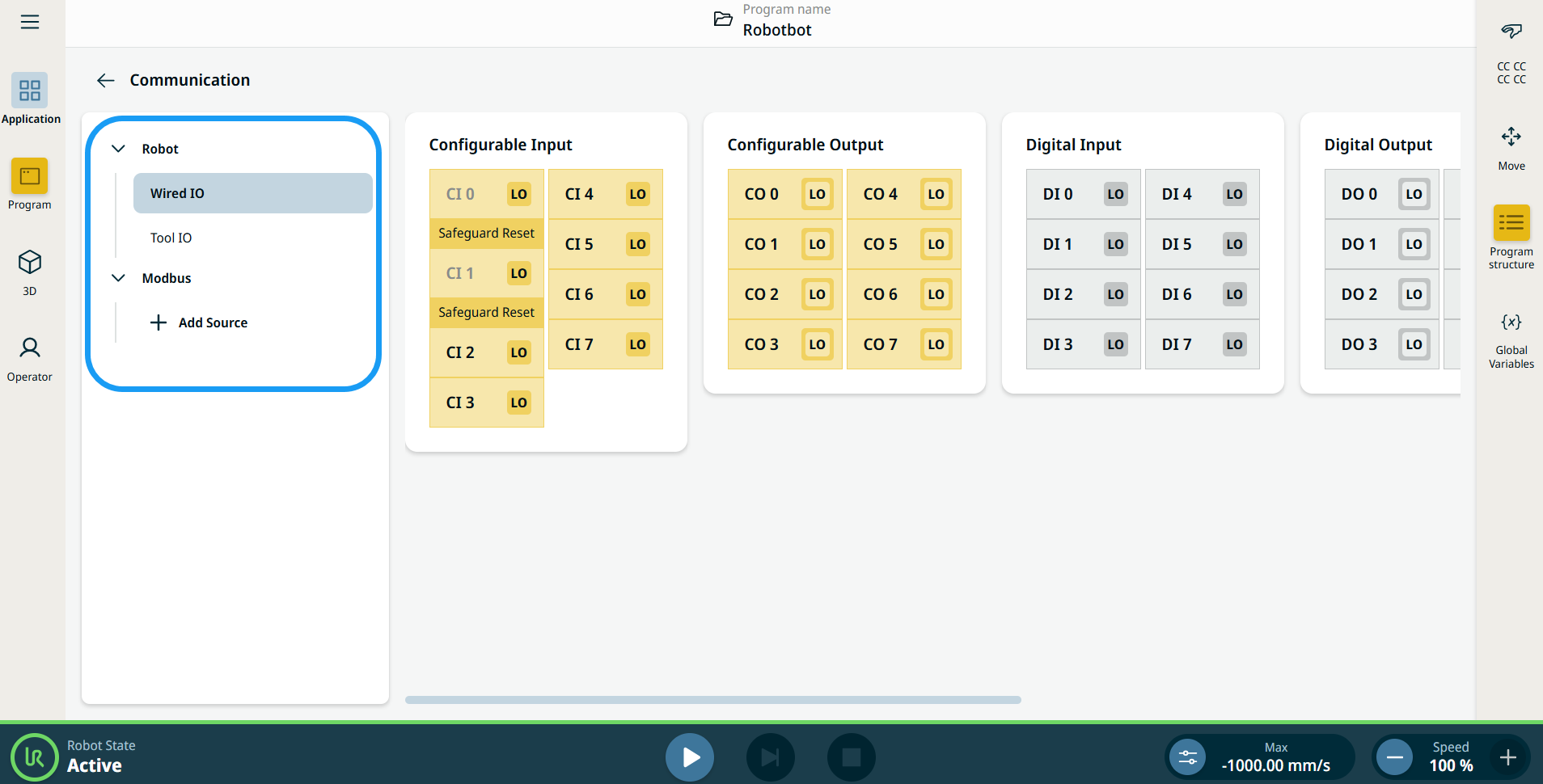
    The Communication screen appears, which is divided into the left panel and the right panels.


    The left panel consists of the communication tree, composed of three functions:

    • Robot Wired IO

    • Robot Tool IO

    • Modbus

    The right panels show the editable fields of the chosen function.