Kommunikáció

Leírás

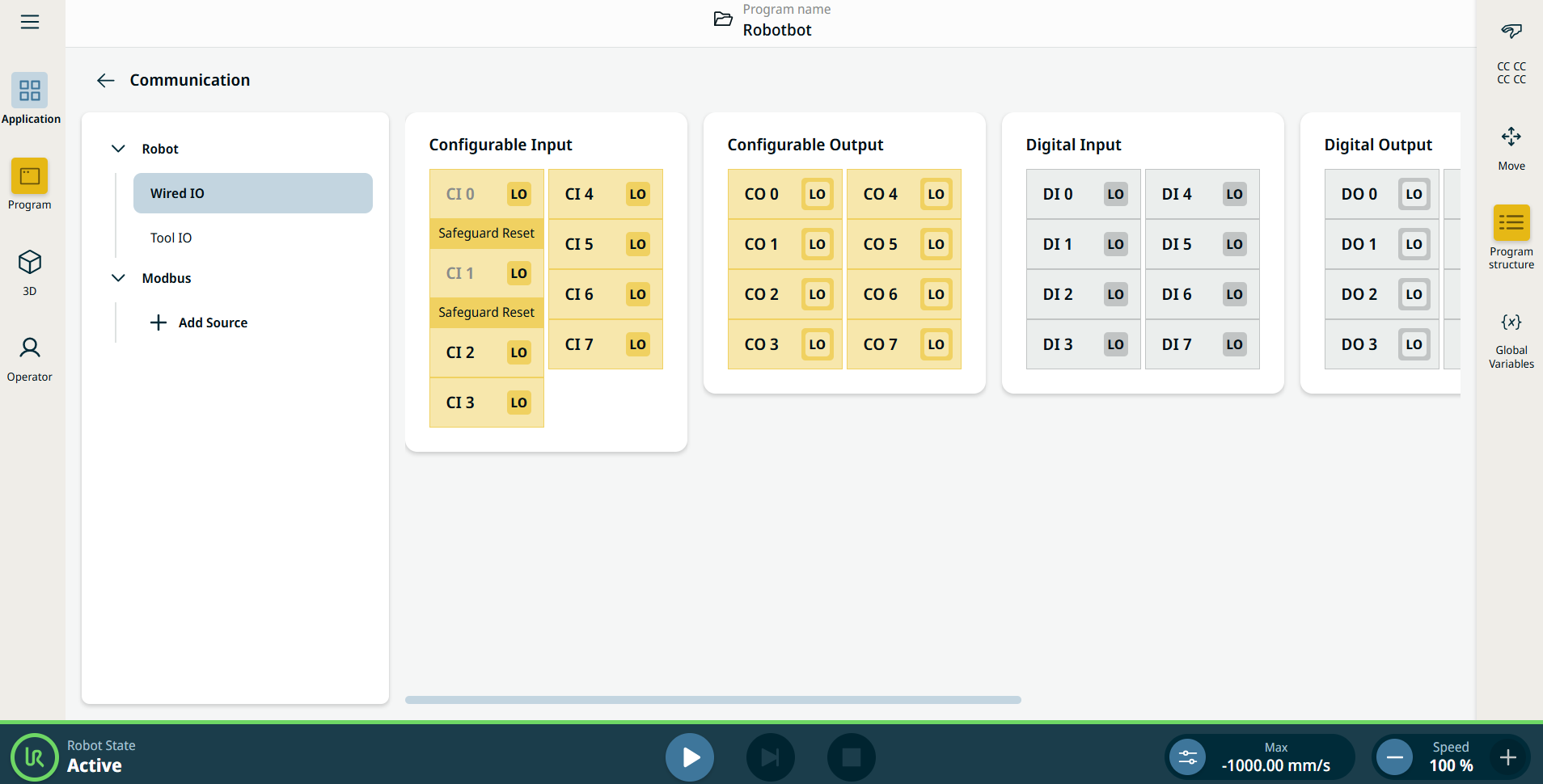
A Kommunikáció alkalmazás lehetővé teszi a robot vezérlődobozából vagy abba érkező élő I/O (bemeneti/kimeneti) jelek megfigyelését és beállítását.


Ábra 38.2 :  Az I/O-kat megjelenítő Kommunikáció képernyő.


Using the Communication application functionality

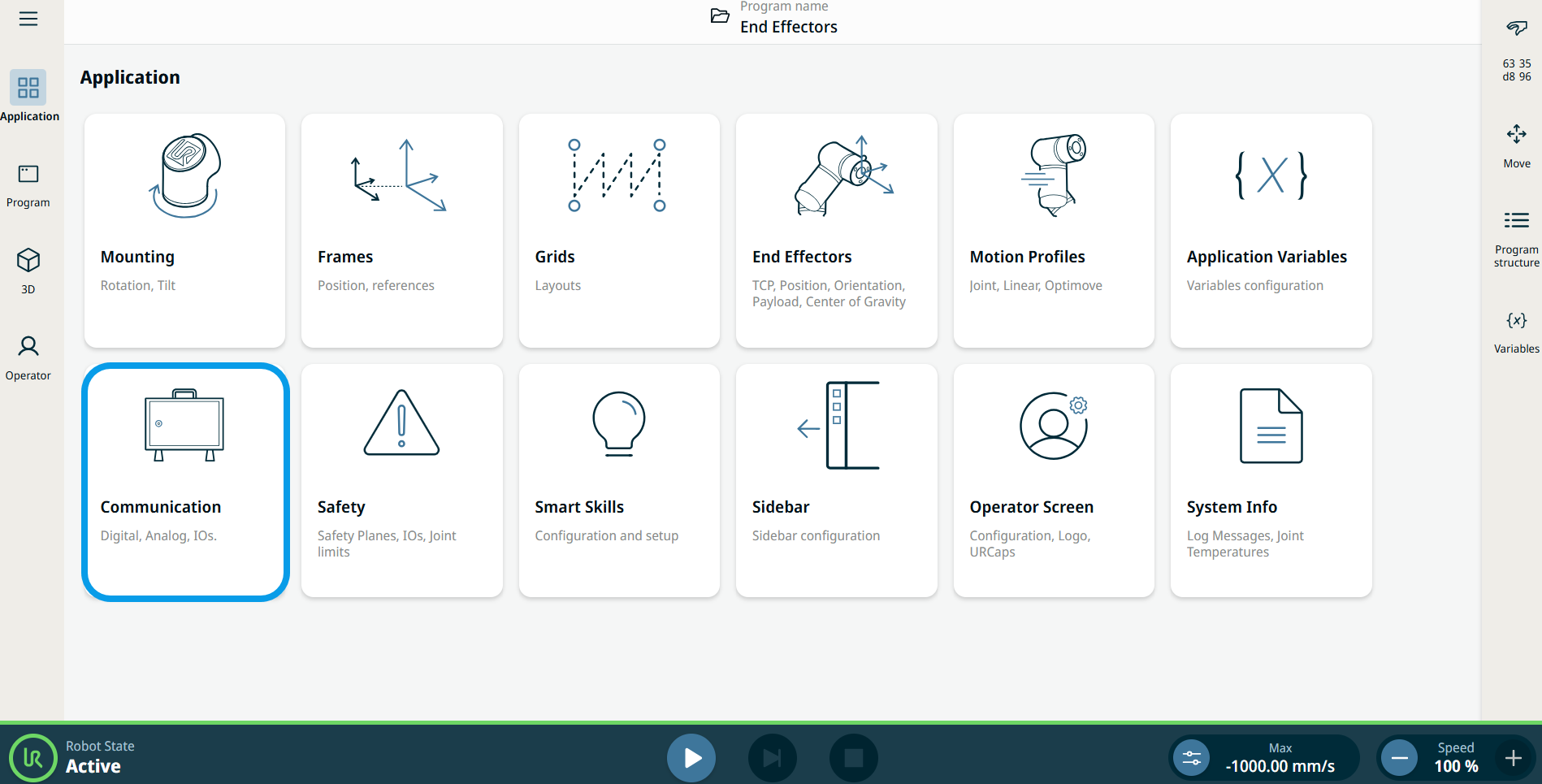
  1. Go to the Application menu screen. See Alkalmazás lap.

  2. Tap the Communication icon.


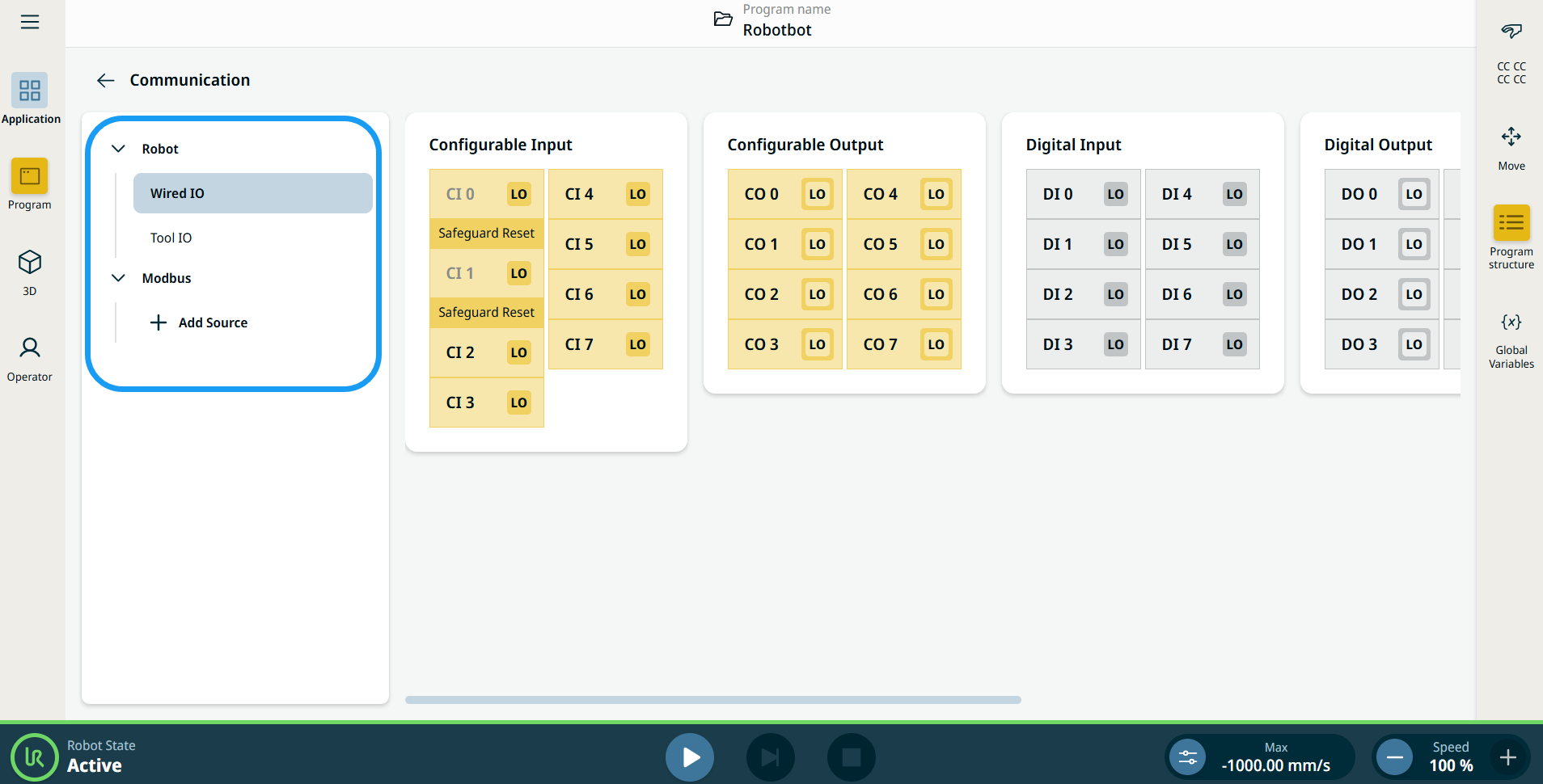
    The Communication screen appears, which is divided into the left panel and the right panels.


    The left panel consists of the communication tree, composed of three functions:

    • Robot Wired IO

    • Robot Tool IO

    • Modbus

    The right panels show the editable fields of the chosen function.