Communication

Description

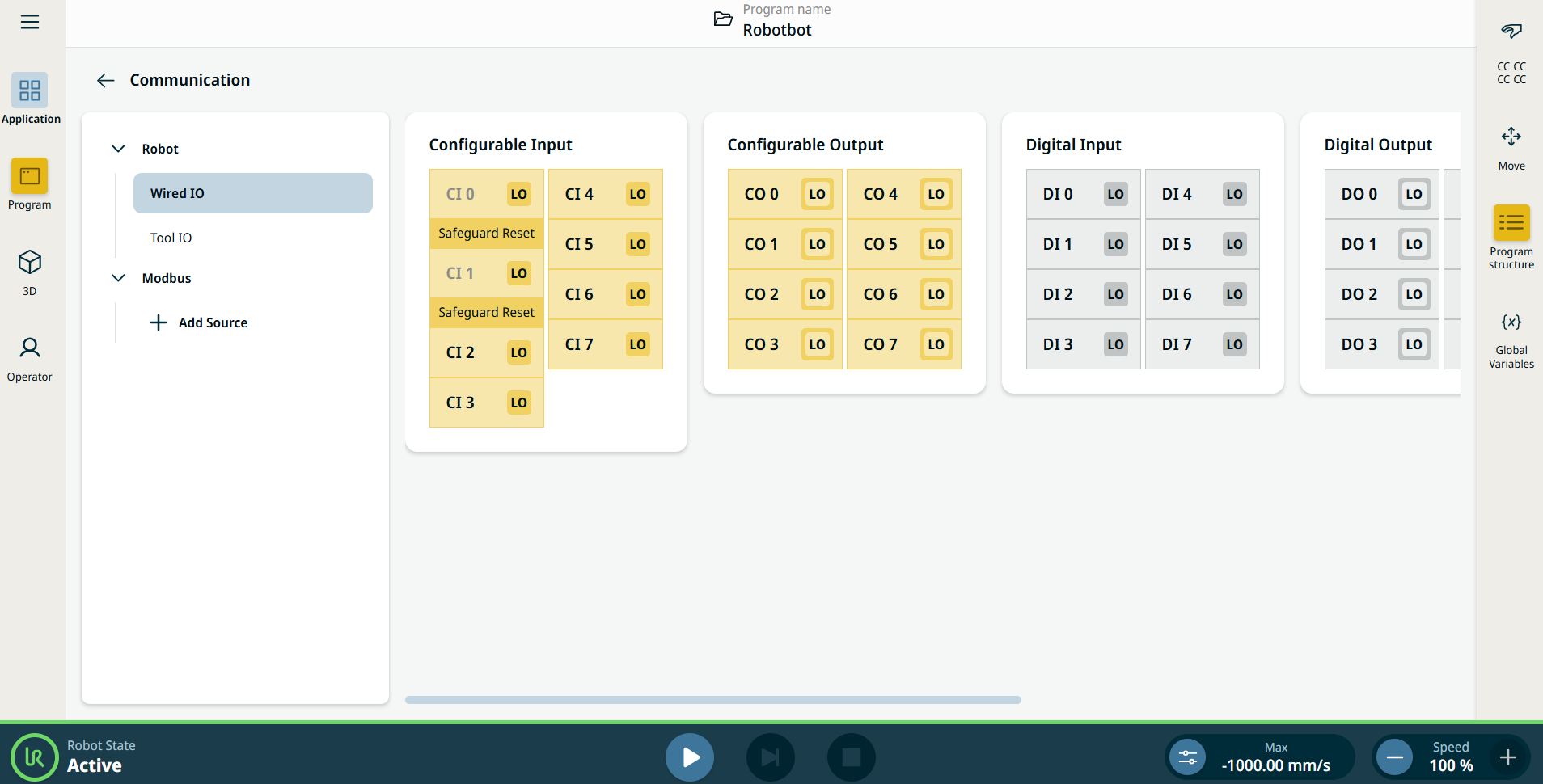
L'application Communication vous permet de surveiller et de définir les signaux d'E/S (entrée-sortie) en direct depuis/vers le boîtier de commande du robot.


Figure 15.4:  Écran Communication affichant les E/S.


Using the Communication application functionality

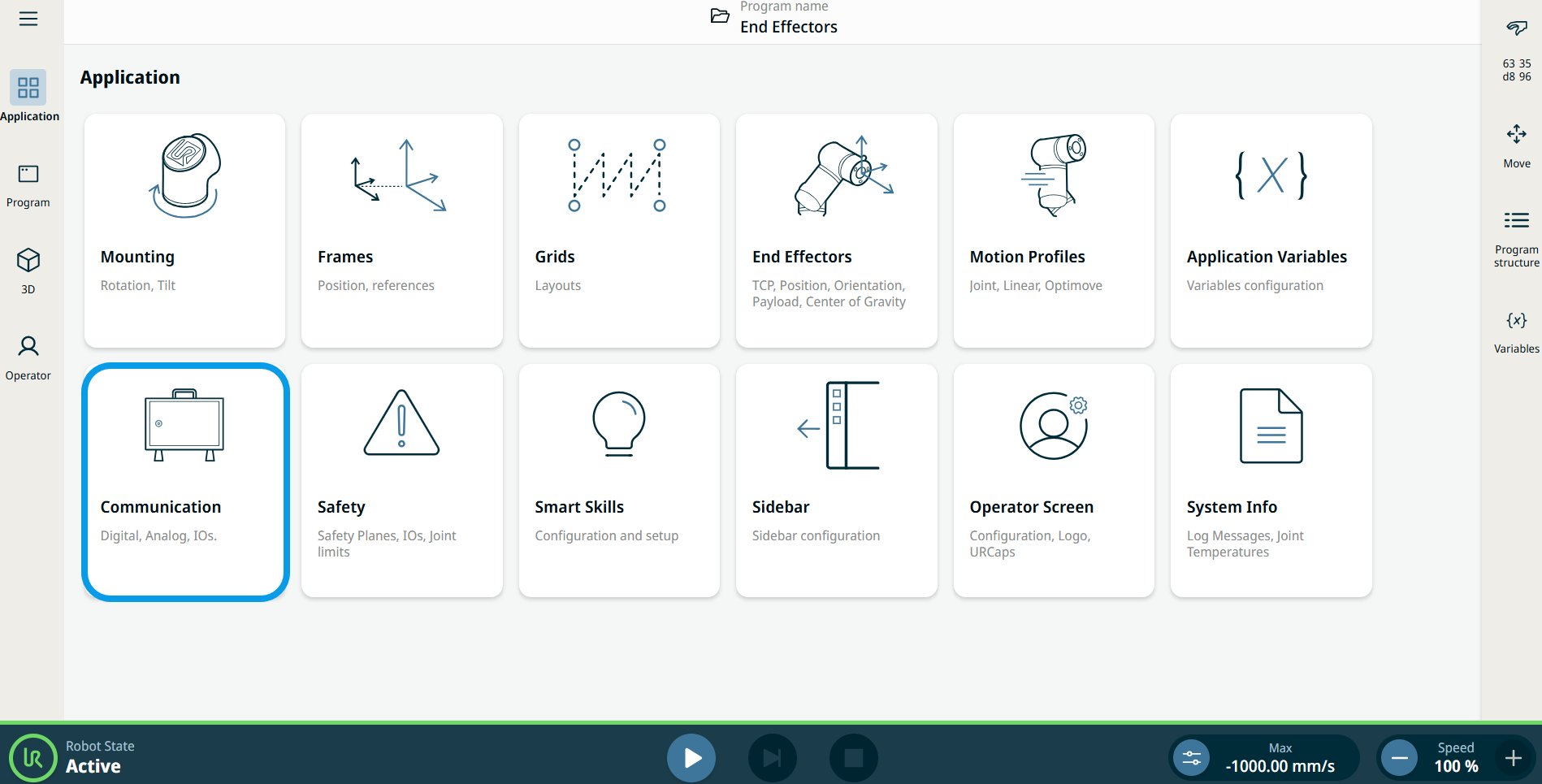
  1. Go to the Application menu screen. Voir le Onglet Application.

  2. Tap the Communication icon.


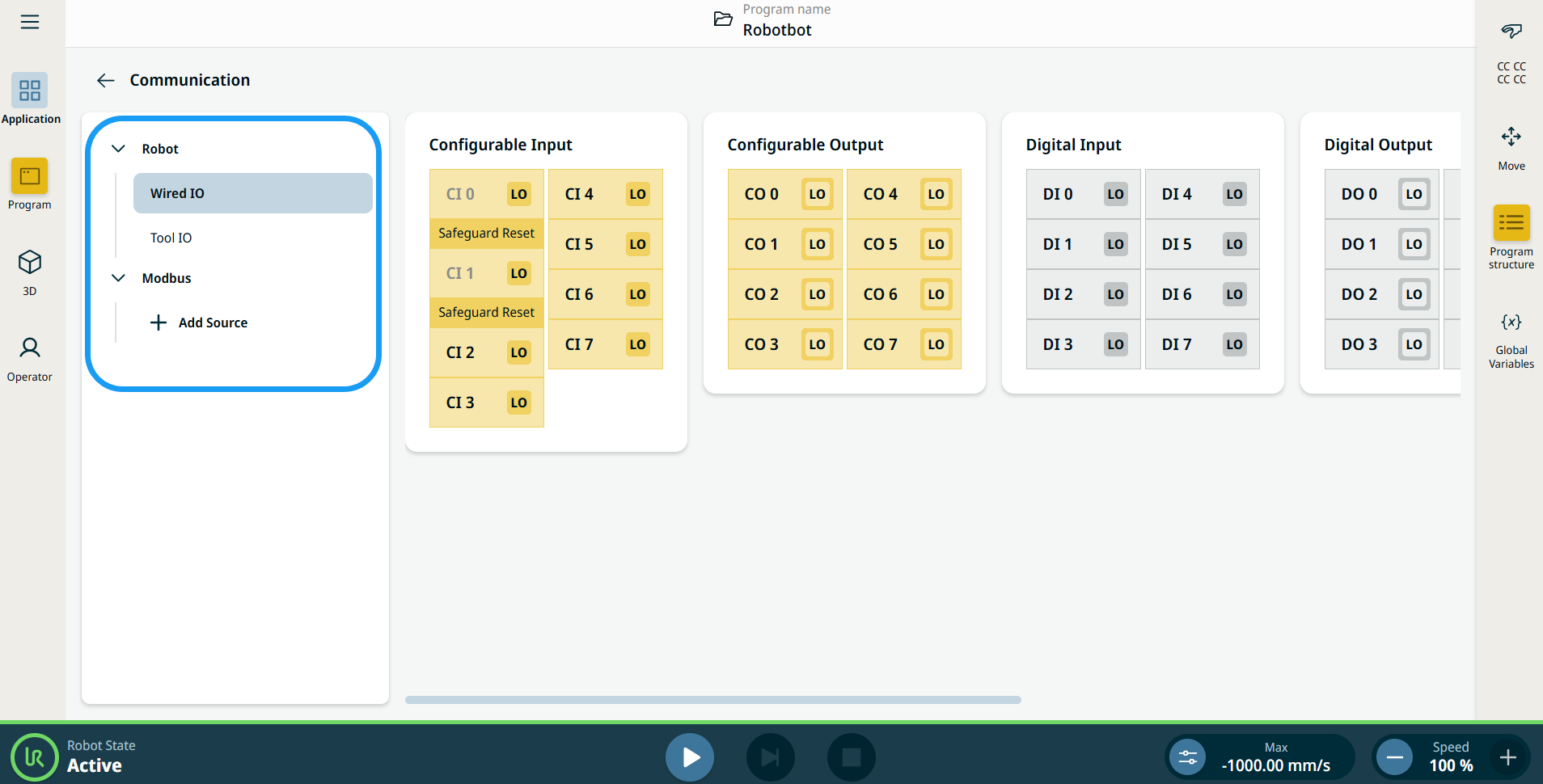
    The Communication screen appears, which is divided into the left panel and the right panels.


    The left panel consists of the communication tree, composed of three functions:

    • Robot Wired IO

    • Robot Tool IO

    • Modbus

    The right panels show the editable fields of the chosen function.