Sidebar
| Descripción |
The sidebar contains four menus:
|
| Using the Sidebar |
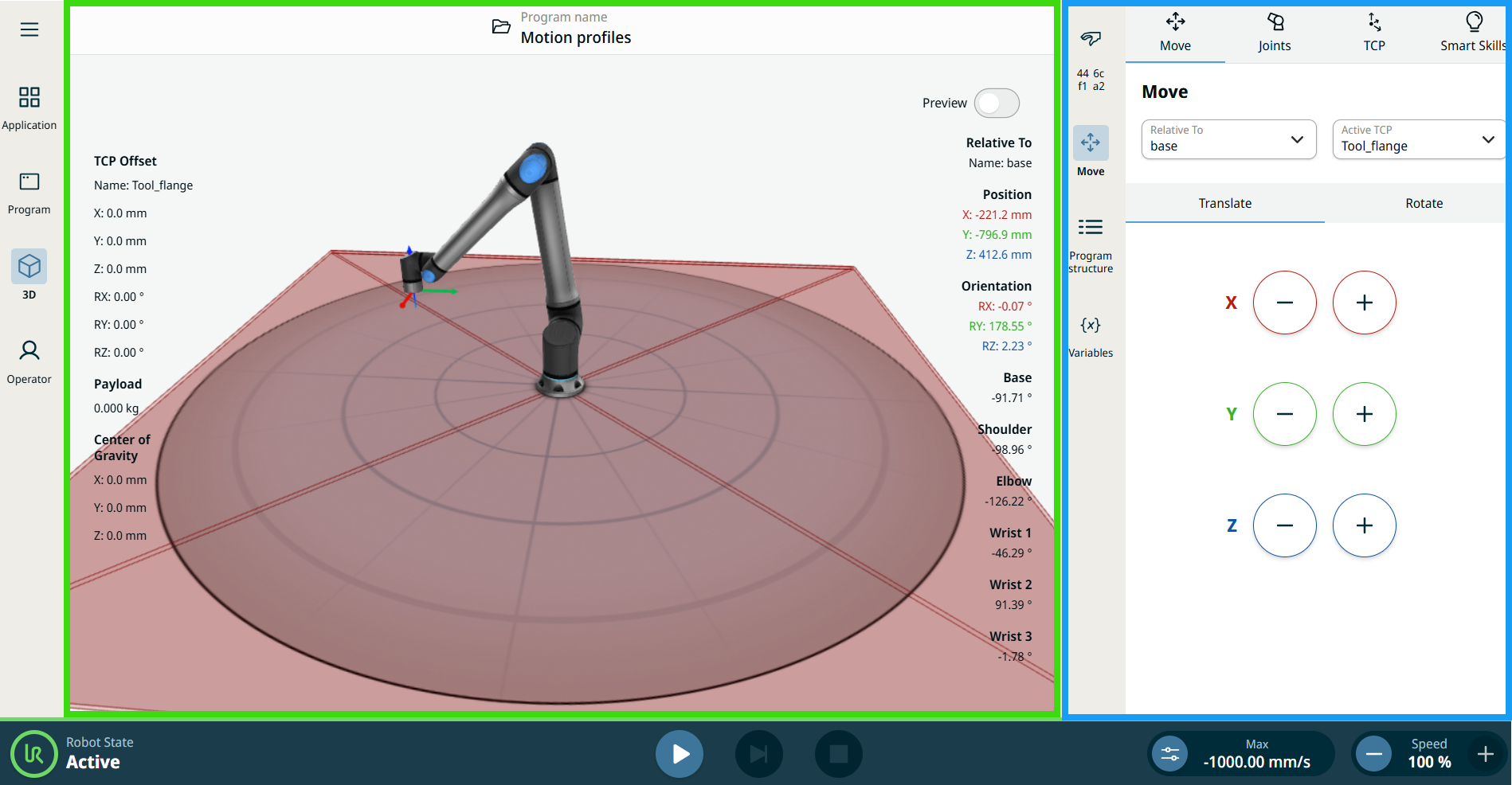
When you tap the menus in the sidebar, their part of the screen will expand to the center. That screen is called the multitask screen (inside the blue box). Any changes and adjustments done inside the multitask screen have the robot arm's graphical responses in the main screen (inside the green box).
|