Kommunikation

Beskrivelse

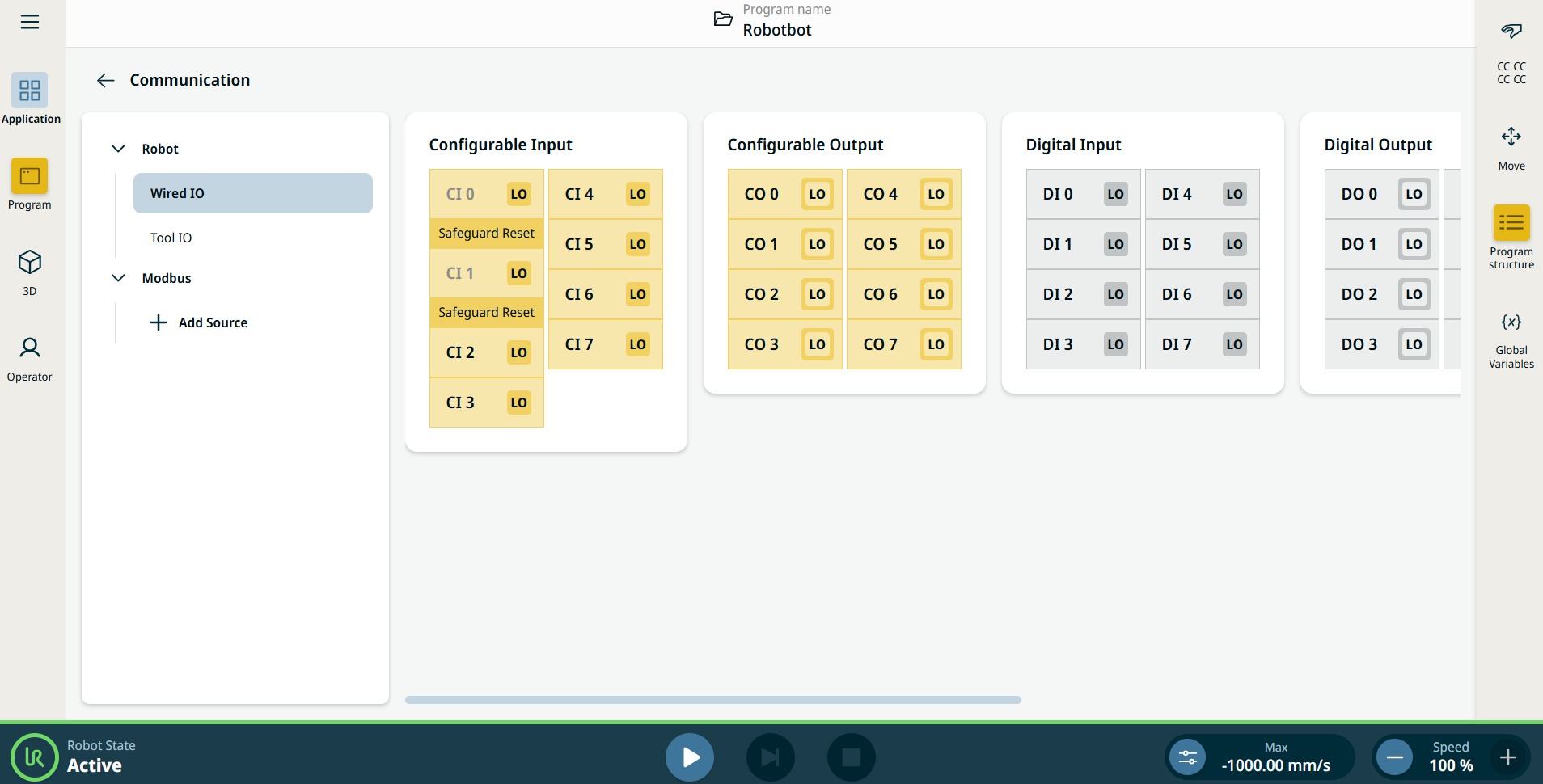
Kommunikationsapplikationen giver dig mulighed for at overvåge og indstille live IO-signaler (input-output) fra/til robotkontrolboksen.


Kommunikationsskærm, der viser IO'er.


Using the Communication application functionality

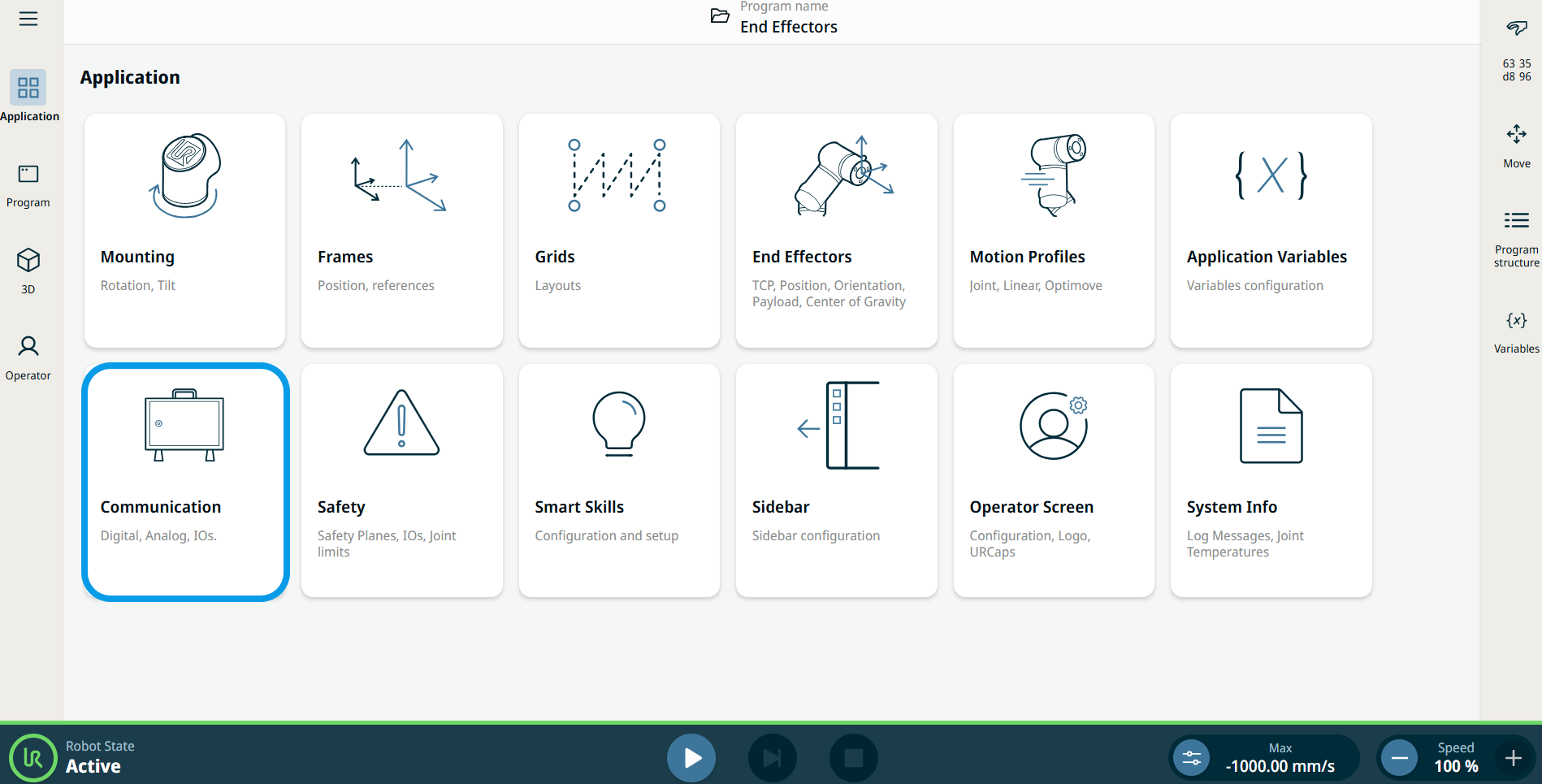
  1. Go to the Application menu screen. Se Applikationsfane.

  2. Tap the Communication icon.


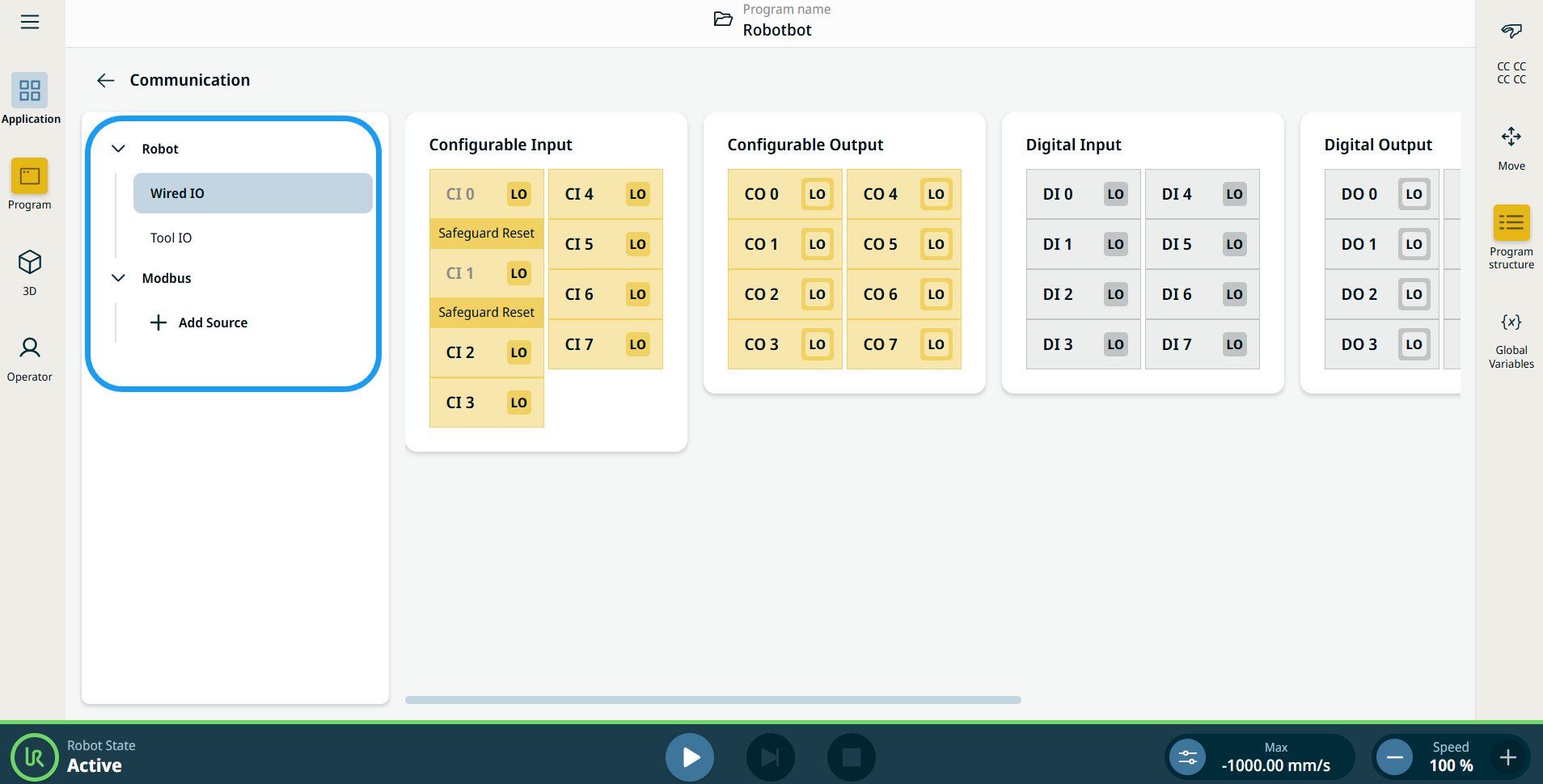
    The Communication screen appears, which is divided into the left panel and the right panels.


    The left panel consists of the communication tree, composed of three functions:

    • Robot Wired IO

    • Robot Tool IO

    • Modbus

    The right panels show the editable fields of the chosen function.