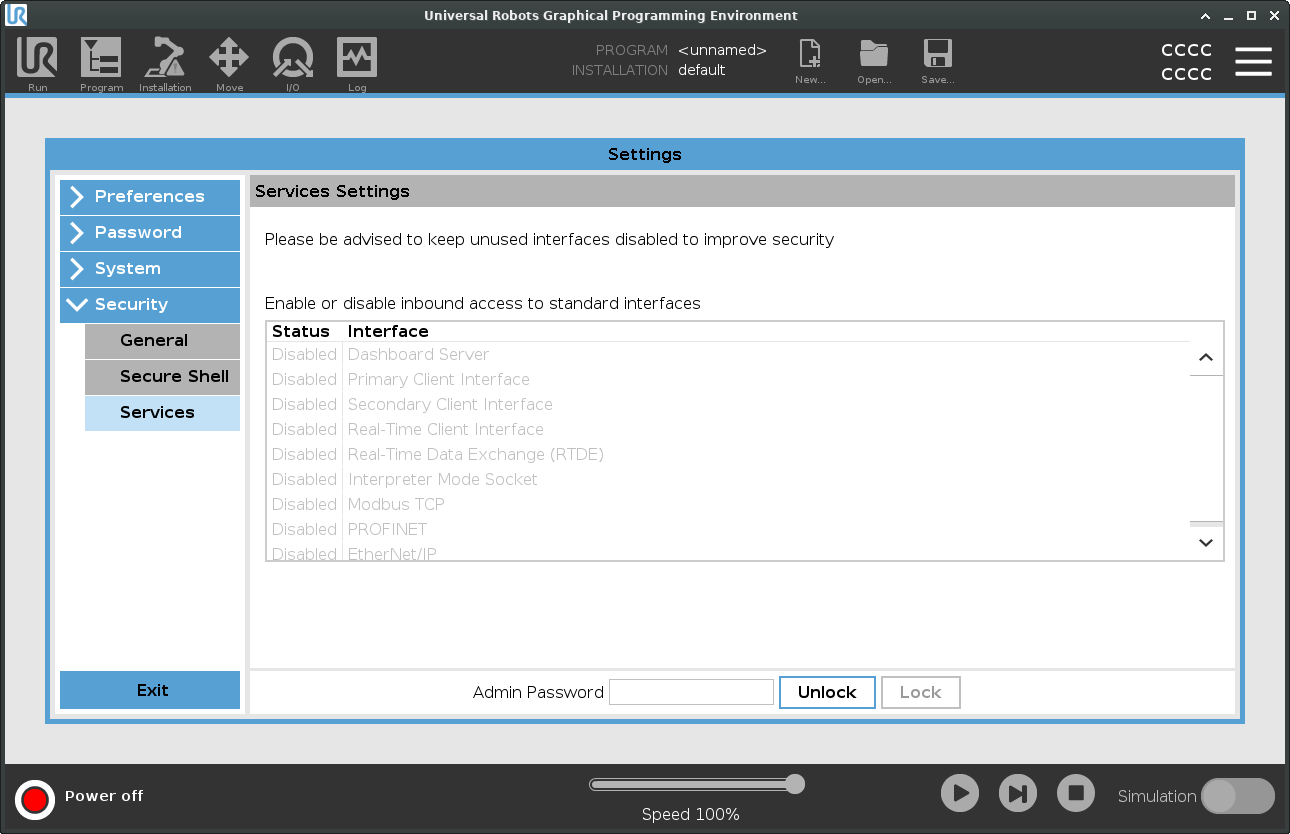
Services
| Description |
Services lists the standard services running on the robot. You can enable or disable each service. All services are disabled as a security feature. When you start or configure your robot, you have to enable relevant services. An enabled service remains available even if the ports associated with that service are blocked. So, simply blocking a port is not enough to prevent access to the listed services if they are enabled.
|
| Enabling Services |
You have to enable the relevant service for the function that you are using. |
| To enable Services |
|