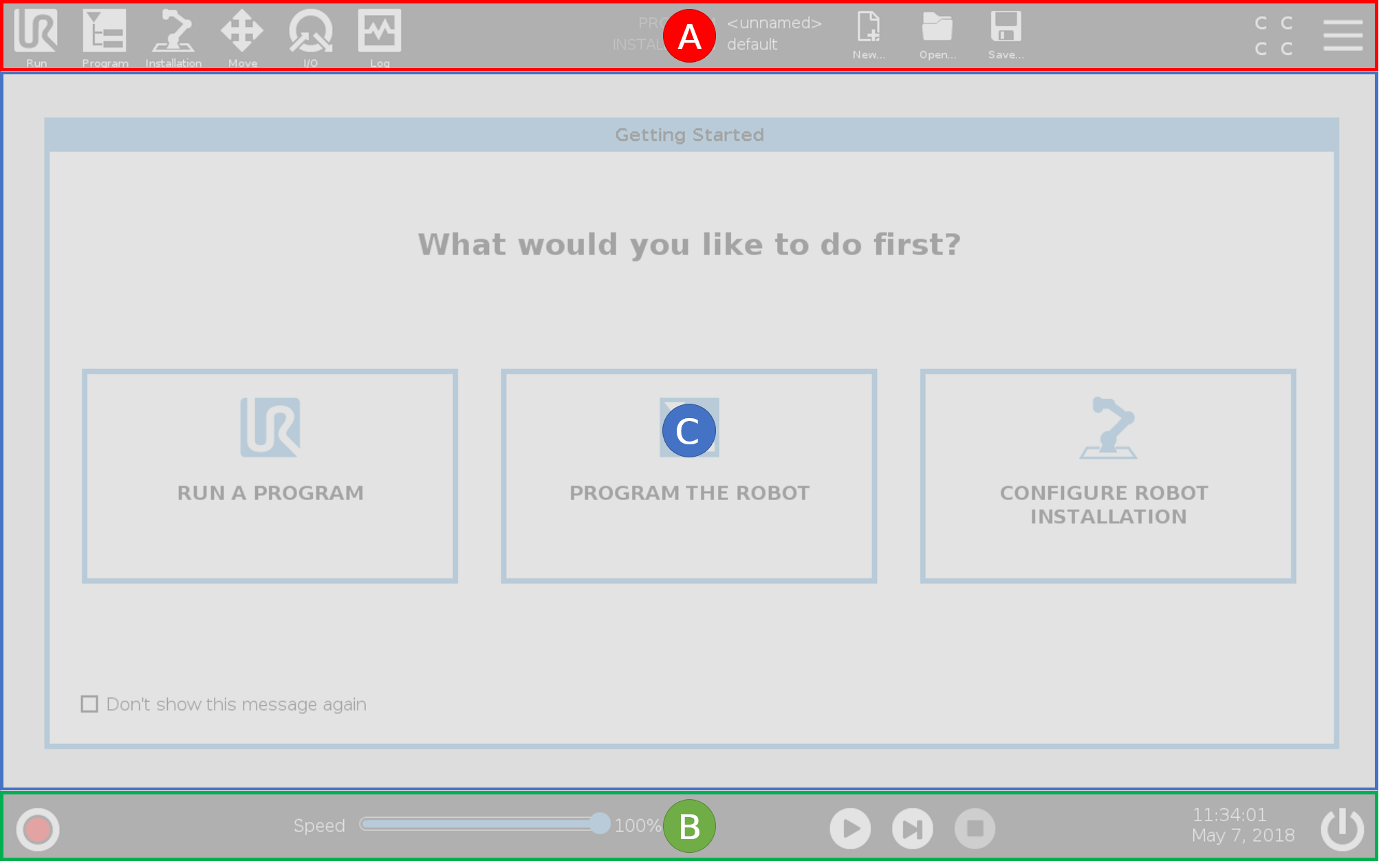
PolyScope Overview
| Using the Touch Screen |
The touch sensitivity is designed to avoid false selections on PolyScope, and to prevent unexpected motion of the robot. |
|
|
The Teach Pendant touch screen is optimized for use in industrial environments. Unlike consumer electronics, Teach Pendant touch screen sensitivity is, by design, more resistant to environmental factors such as:
For best results, use the tip of your finger to make a selection on the screen. In this manual, this is referred to as a "tap". A commercially available stylus may be used to make selections on the screen if desired.
|