Log Reader Tab
Use this tab to load the desired support file. If a log file is loaded, you can choose which types of messages to be shown.
Once the file is loaded you will have the option of choosing which types of messages to be shown on the Log Reader screen, the options are:
-
Info
-
Warning
-
Error
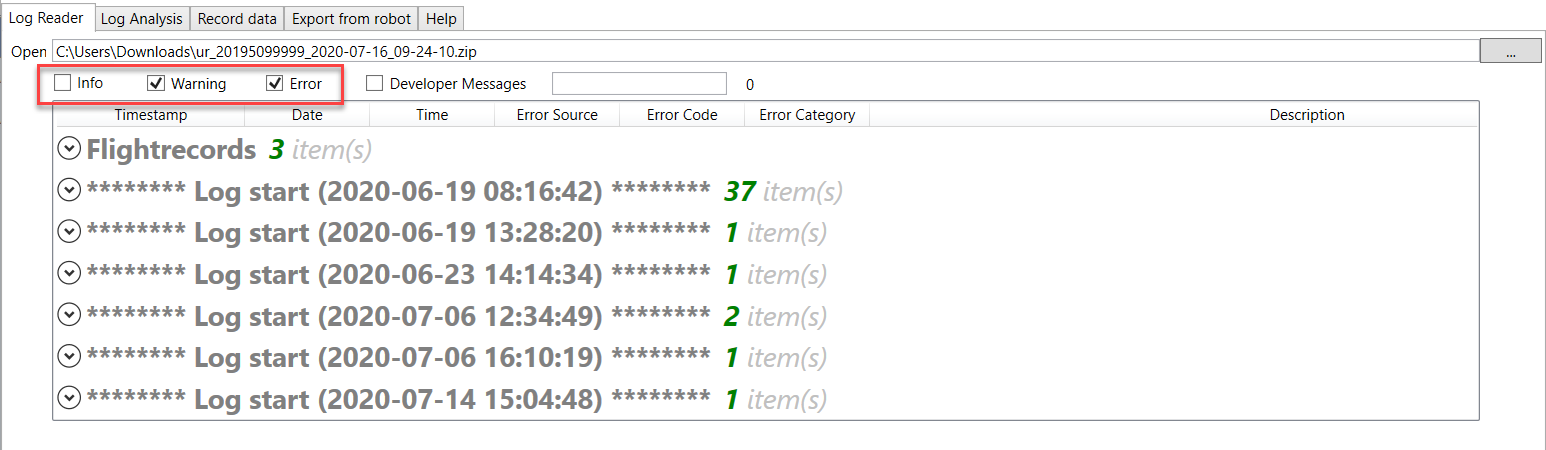
"Developer Messages" are intended for expert-level users only. Please use it only if advised.
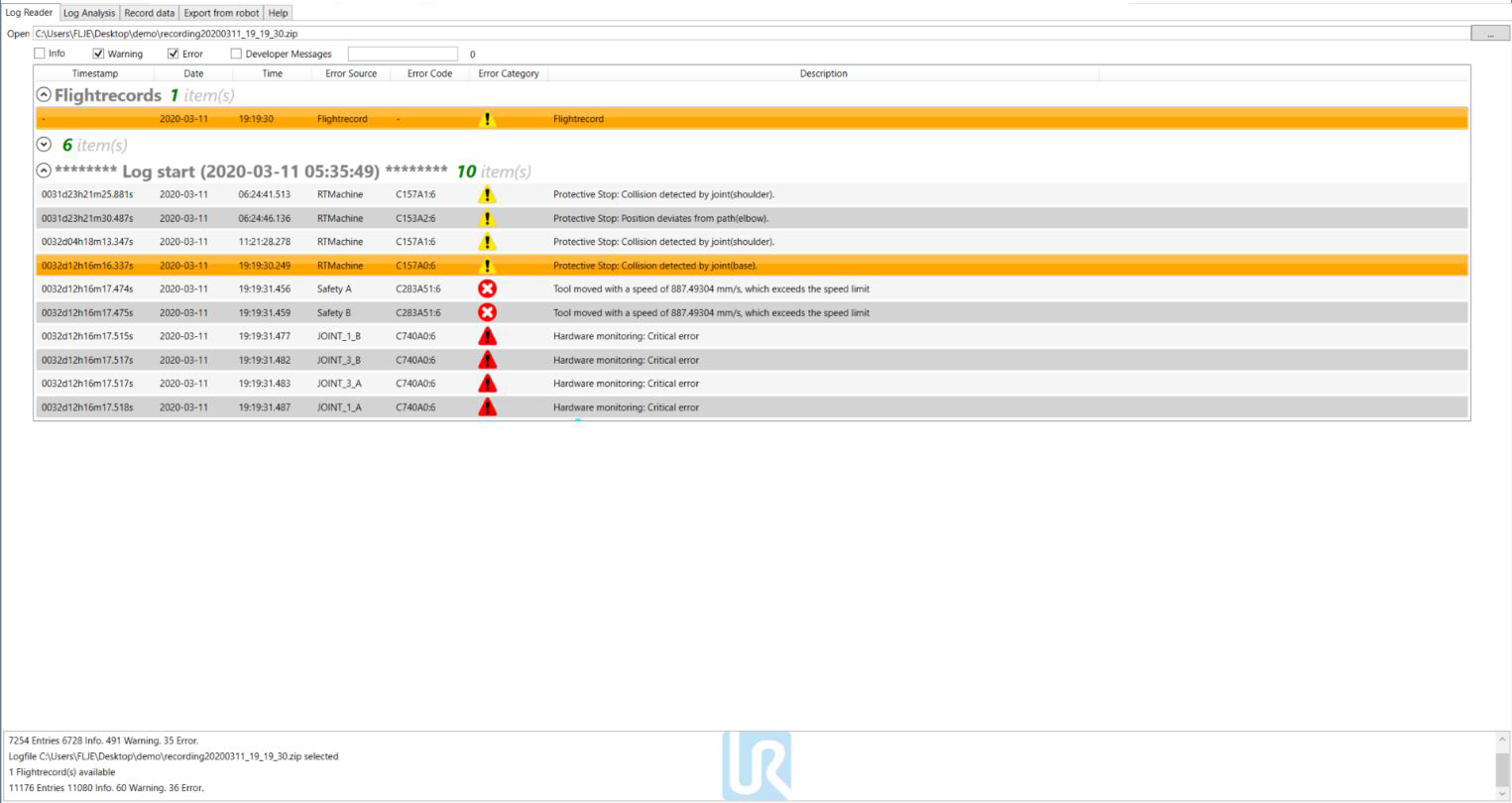
The user will see the Flight Records section only when opening a Support File, Flight Report file or Real-time Recordings data file, if you open a Log History file, you will only see the Log Start section with the info, warnings and error codes and their respective entries.