How to prepare robot safety settings
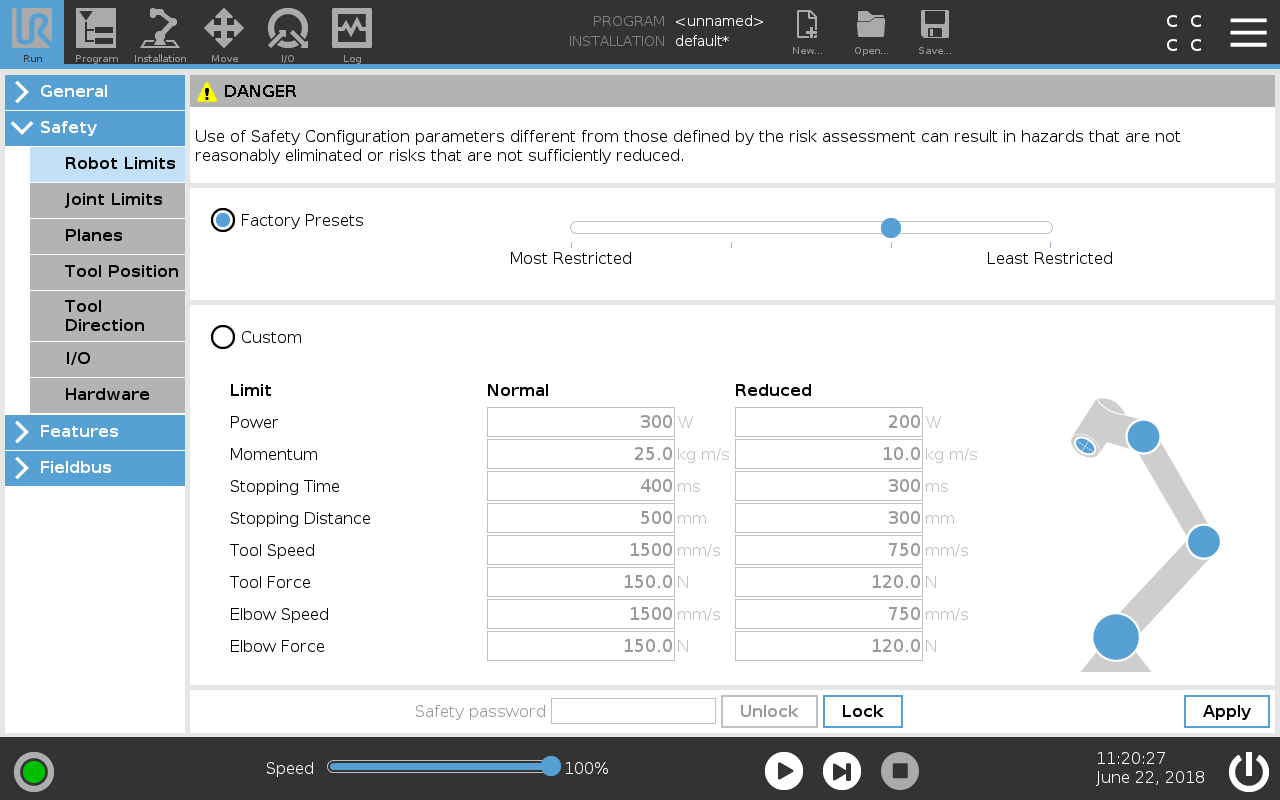
Configure the robot safety settings in PolyScope, as shown in the screen shot below.
To configure the robot safety settings
-
Tap Safety and select Robot Limits.
-
Enter the password:
lightbotand tap Unlock. -
Tap Apply to unlock the Safety Configuration.
-
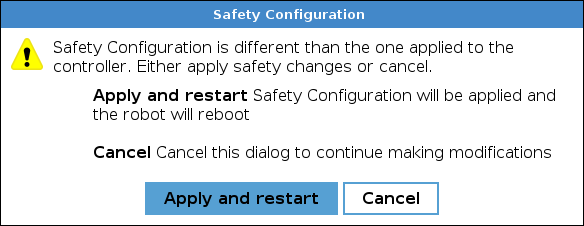
When the Safety Configuration dialog box appears, select Apply and restart.