Clone Robot
| Description |
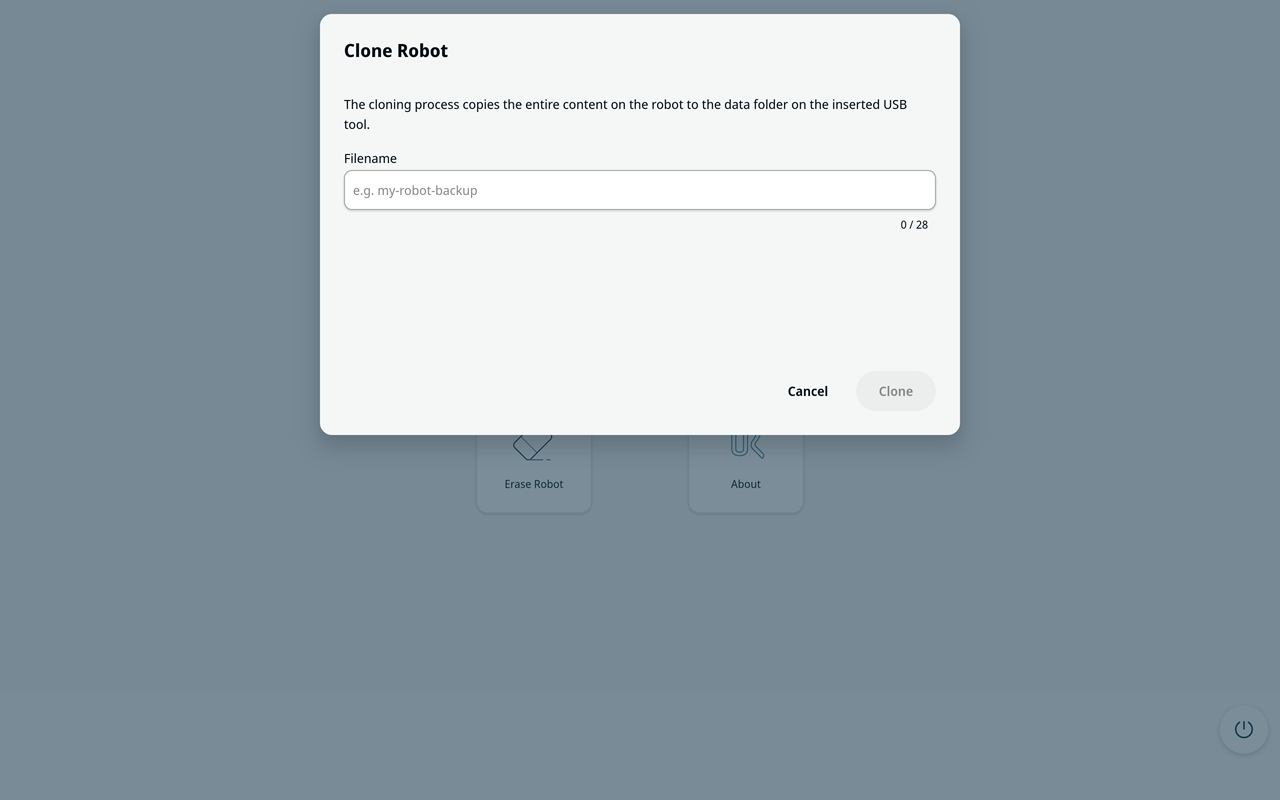
Use Backup Robot to create an image of the robot's internal storage on the data partition of the UR Disk Utility USB. You can use this image to restore the robot to the saved state. Make sure that the UR Disk Utility USB has enough free space for the backup. Do not remove the UR Disk Utility USB drive while the backup is in progress. Rules for naming the file:
|
| Backup Robot |
Before the backup starts, select Cancel to return to the main screen without creating a backup. A robot backup is for backup and recovery. Do not use Backup Robot to manage software across a fleet of robots.
|