Robot Limits

Description

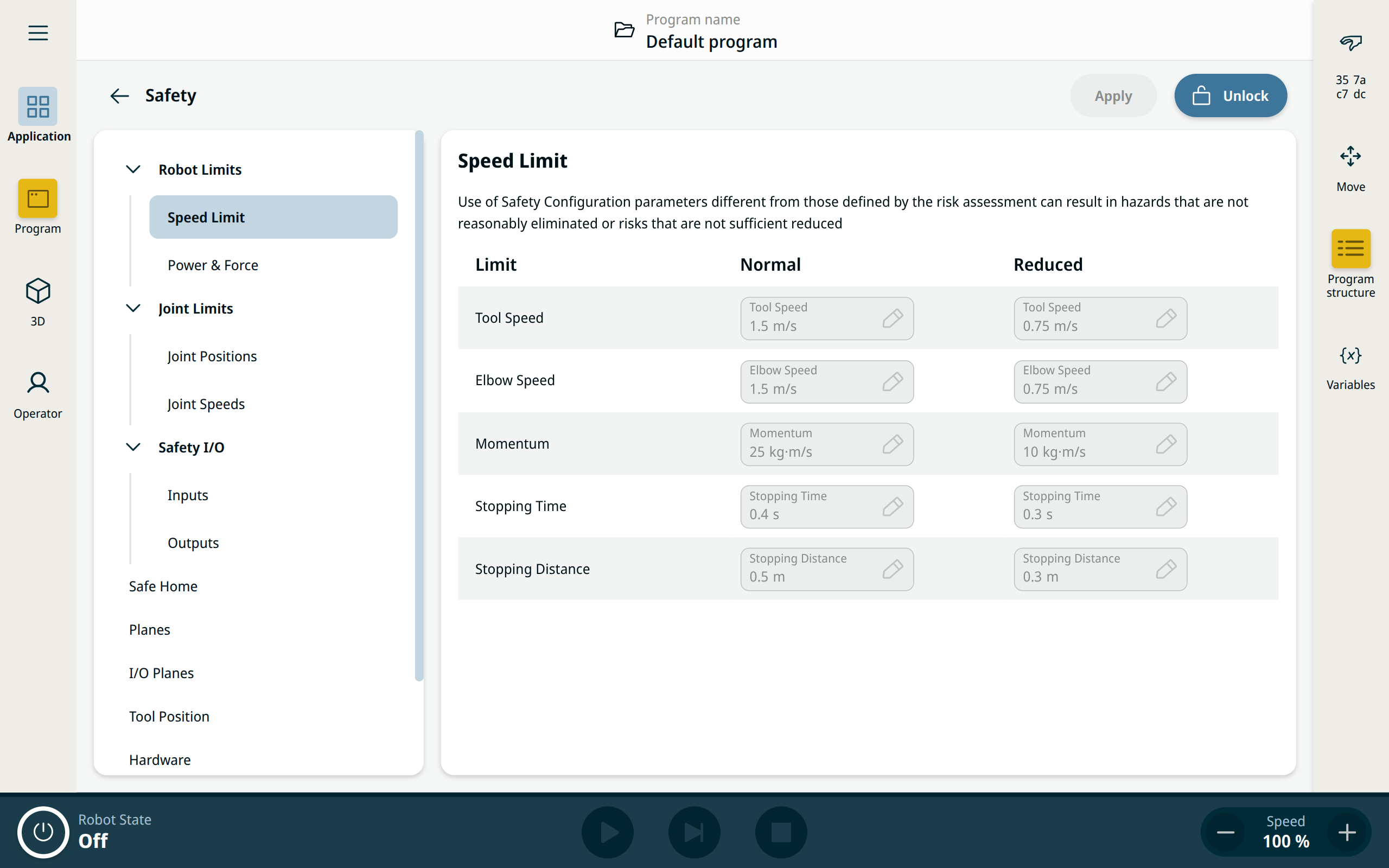
Robot Limits restrict general robot movements.

  • Change the values for Normal and Reduced modes in Robot Limits, and tap Apply to see the changes in the safety checksum.

  • Verify that values in Reduced are always less than values in Normal.

The safety limits restrict forces and motions at the tool flange and the center of the two user-defined tool positions.


Speed Limits

Restricting stopping time and distance affects overall robot speed. For example, if stopping time is set to 300 ms, the maximum robot speed is limited allowing the robot to stop within 300 ms.

Limit Description

Tool Speed

Limits maximum robot tool speed.

Elbow Speed

Limits maximum robot elbow speed.

Momentum

Limits maximum robot momentum.

Stopping Time

Limits maximum time it takes the robot to stop, e.g., when an emergency stop is activated.

Stopping Distance

Limits maximum distance the robot tool or elbow can travel while stopping.


Power and Force

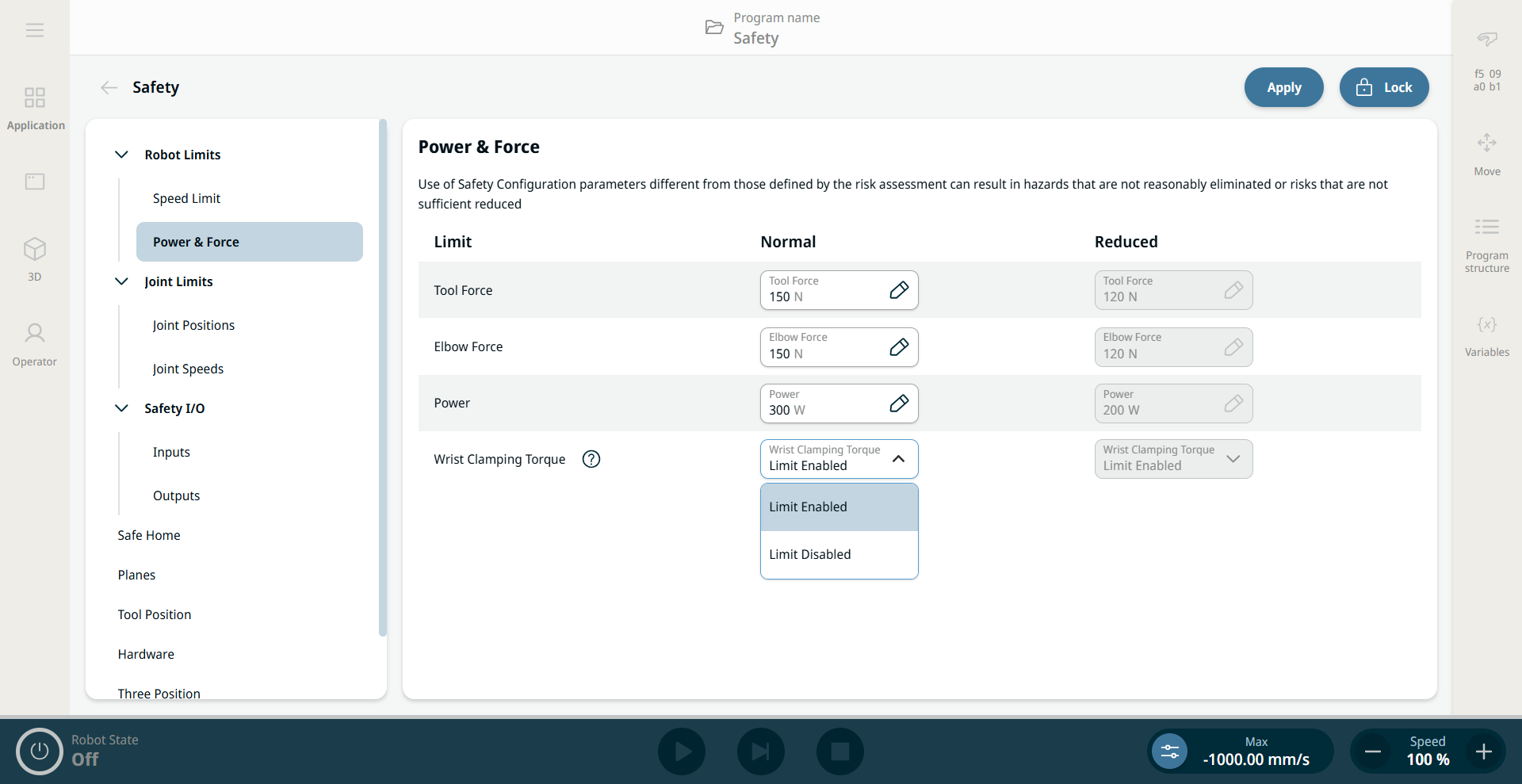
The tool and elbow forces may be exceeded by the three wrist joints if the Wrist Clamping Torque safety function is disabled.

Limit Description

Tool Force

Limits the maximum force exerted by the robot tool in clamping situations.

Elbow Force

Limits maximum force that the elbow exerts on the environment.

Power

Limits maximum mechanical work produced by the robot in the environment. This limit considers the payload a part of the robot and not of the environment.

Wrist Clamping Torque

Limits how much torque the wrist can apply for pushing.

Enabled by default.


Safety Mode

Under normal conditions, i.e. when no robot stop is in effect, the safety system operates in a Safety Mode associated with a set of safety limits:

Safety mode Effect
Normal

This configuration is active by default.

Reduced

This configuration activates when the Tool Center Point (TCP) is positioned beyond a Trigger Reduced mode plane, or when triggered using a configurable input.