Teach Pendant Configuration
| Description |
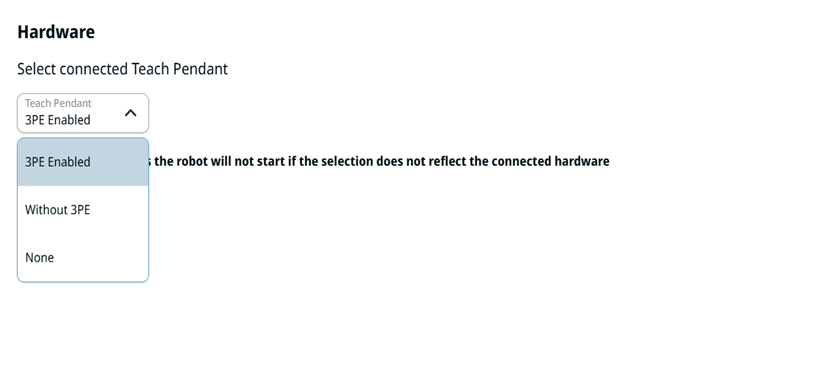
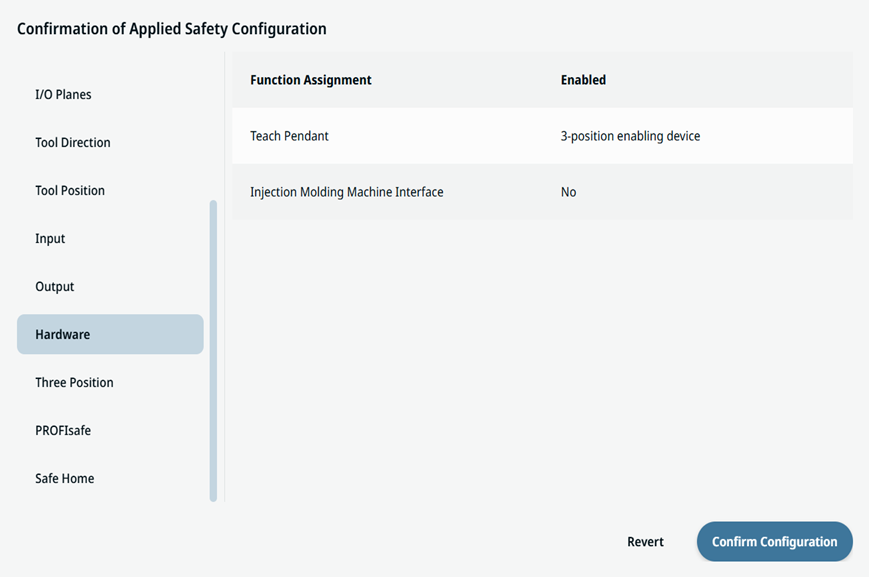
The Hardware section allows you to select the type of Teach Pendant to be connected to the Control Box, so the robot's safety system knows what hardware to expect at power-up. Your selection must match the physically connected hardware to prevent starting the robot while the safety system expects an emergency stop source that is not actually present. The selections are:
For safety reasons, the robot will not start if the selection does not reflect the connected hardware.
|
|
3PE Enabled |
The connected Teach Pendant has an integrated 3-Position Enabling device (3PE TP). The 3PE buttons are a safety‑critical interface where motion in Manual Mode requires you to hold one of the two underside enabling buttons at the center light-press position. When you release or fully press the button, an immediate Category 2 safety stop (SF19 – 3PE Stop) is triggered. These are its main characteristics:
|
|
Without 3PE |
The connected Teach Pendant is a standard e-Series Teach Pendant that does not have the integrated 3-Position Enabling buttons. The robot accepts a TP for operating PolyScope X, but motion in Manual Mode is not gated by a 3PE press. These are its main characteristics:
|
| None |
The None option supports setups where a Teach Pendant is not required or physically present, enabling more streamlined and flexible deployments, especially in automated or remote-controlled environments. It gives you three key benefits:
|
| How to access Hardware |
|
||
|
|
|