Mounting
| Verify robot mounting |
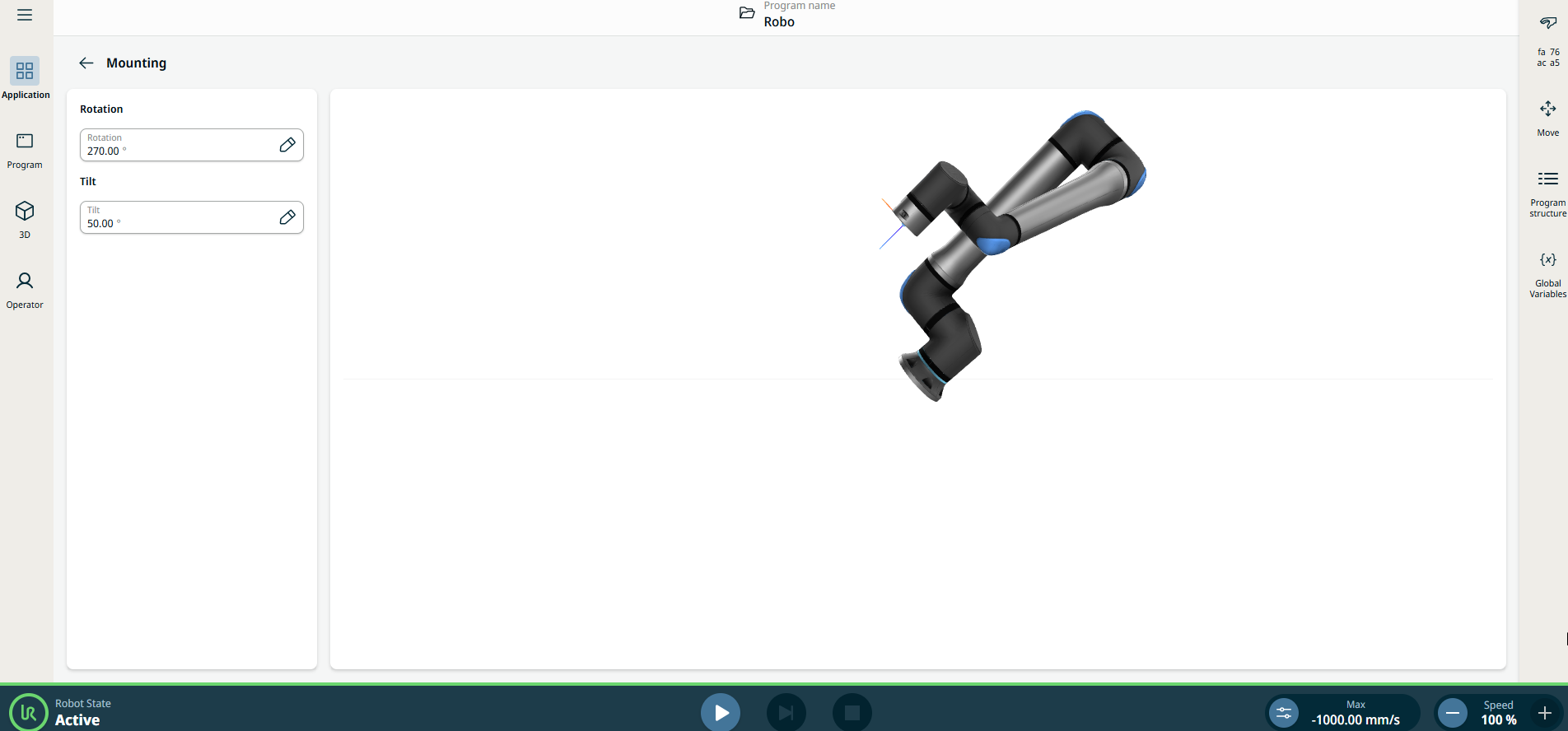
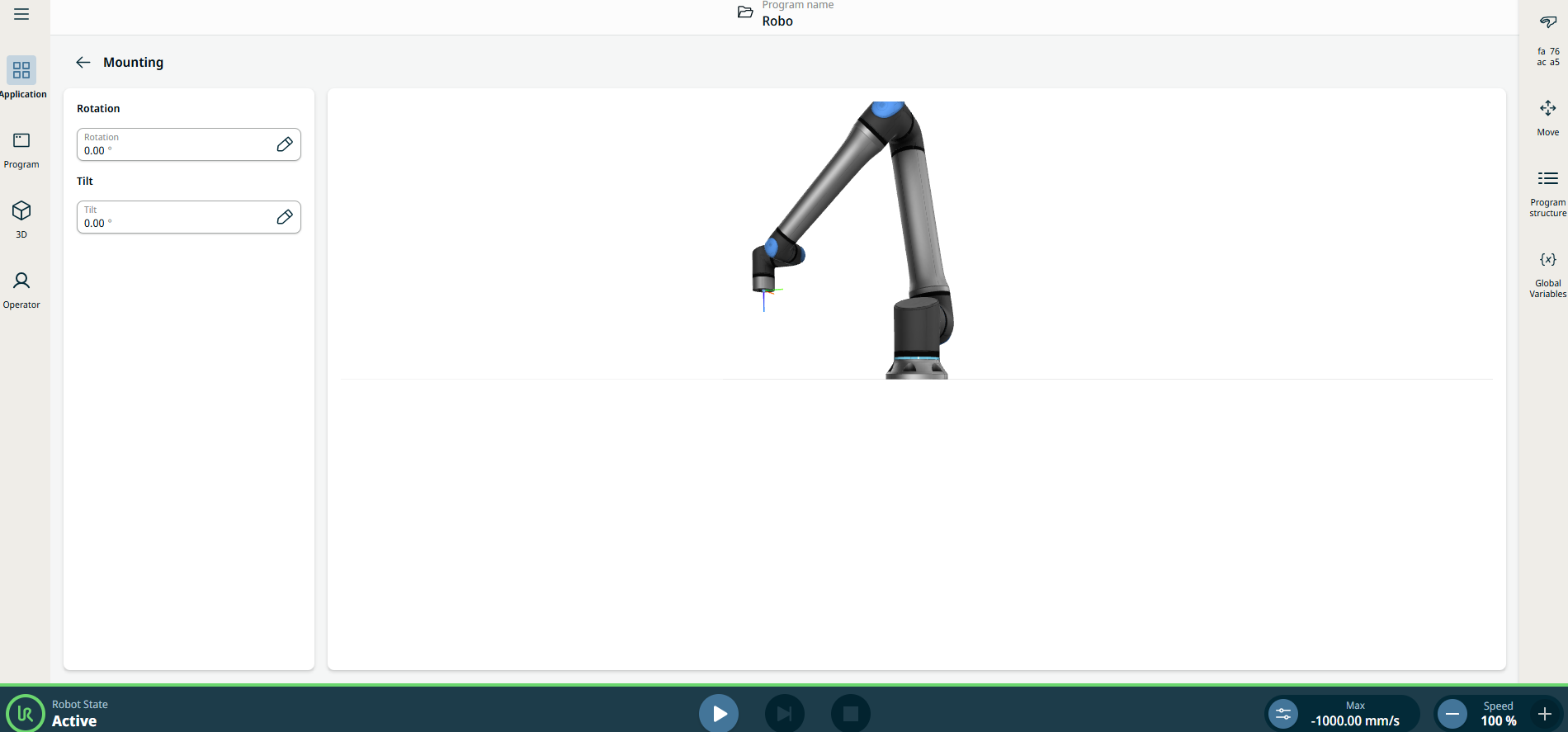
Mounting settings describe whether the robot is mounted vertically, horizontally, or at an angle. This allows the robot to determine the direction of gravity, enabling smooth and precise movement. This screen also allows you to specify the orientation of the robot base in relation to the viewer, giving the robot an accurate appearance in the visualizations. |
|
|
Always verify the actual payload and installation are correct before starting up the robot arm. If these settings are incorrect, the robot arm and Control Box will not function correctly and may become dangerous to people or equipment. Ensure the robot arm is not touching an object (e.g., a table) because a collision between the robot arm and an obstacle might damage a joint gearbox. |
|
|
To change the mounting settings of the robot arm:
|
|