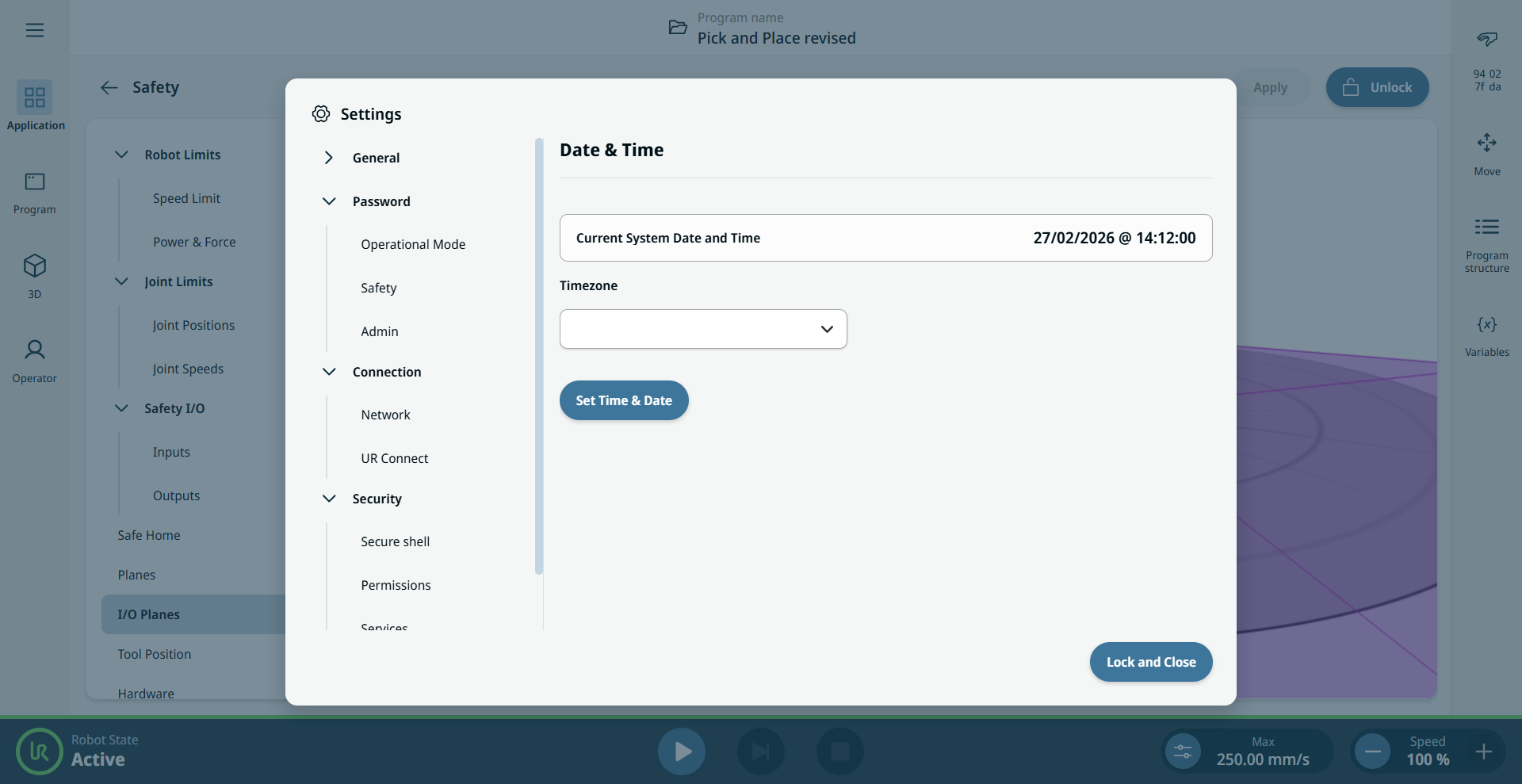
Date and Time

Description

You can set the date, time, and time zone on the Teach Pendant.


Set date and time

  1. Open the hamburger menu and tap Settings.

  2. Under General, tap Date & Time.

  3. Unlock and enter your Admin password.

  4. To set the time zone, select one from the dropdown. To set the date and time, tap the Set Time & Date button and enter the new values.