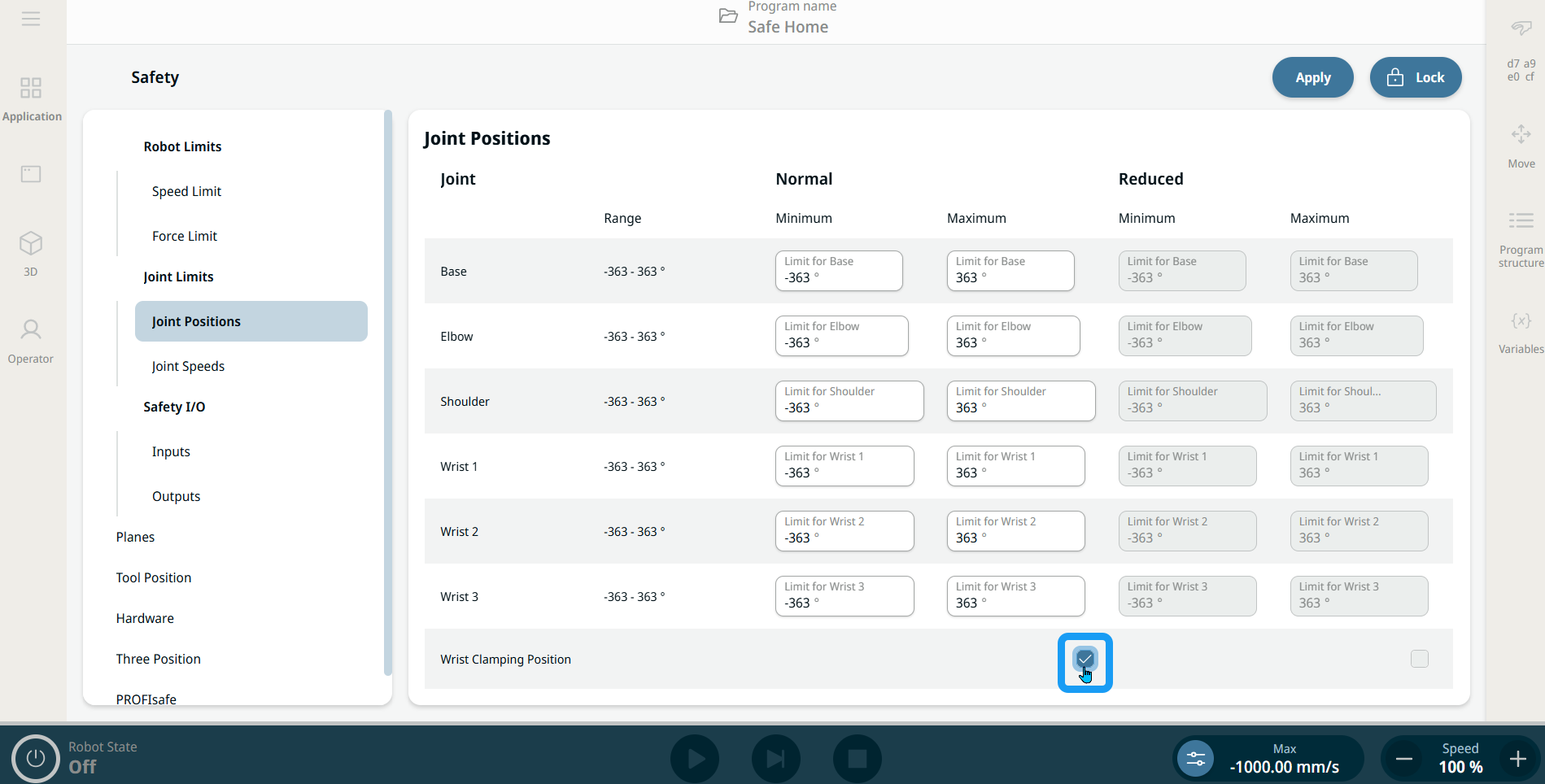
Wrist Clamping Position Limit
| Description |
Wrist Clamping Position Limit is a setting that enables or disables the Wrist Clamping Position Limit safety function. The safety function is enabled by default and prevents hand or finger clamping between the tool flange and the lower arm of the robot.
|
|
Wrist Clamping Position Limit details |
When enabled, a Robot Stop is issued if the tool flange approaches a distance of 25.0 mm to the lower arm of the robot, reducing the risk of collisions or pinching. This safety function monitors only the distance between the tool flange and the lower arm of the robot. It does not monitor the distance between mounted equipment and the robot.
When disabled, full wrist movement is allowed, and risks of clamping between the tool and the lower arm of the robot must be mitigated by other means. This safety function is enabled on all robots by default. In PolyScope X version 10.12 and newer, it is possible to disable this safety function.
|
|
Enable and disable Wrist Clamping Position |
|