Application Tab
|
|
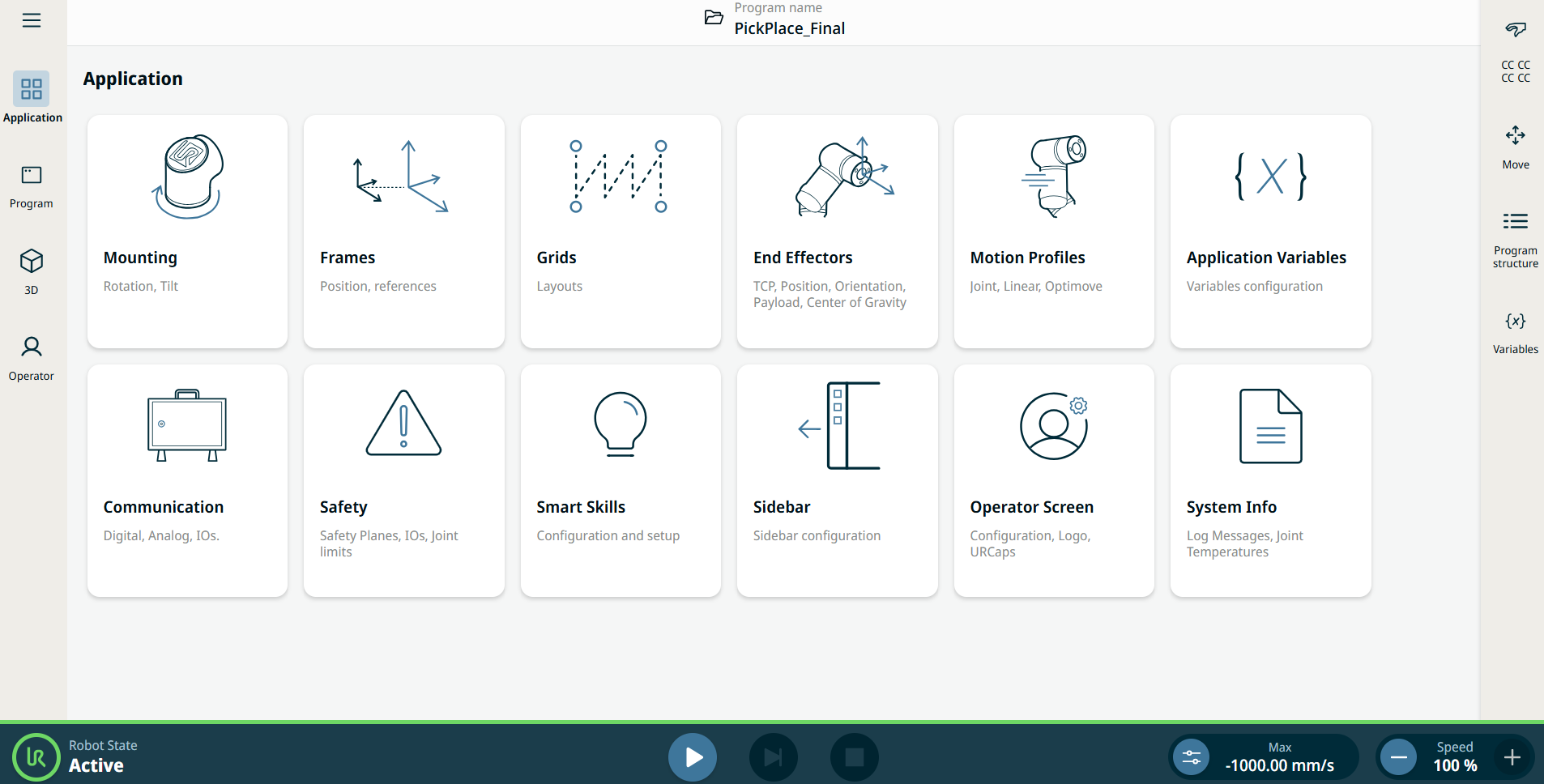
The Application tab allows you to configure the settings which affect the overall performance of the robot and PolyScope X. |
|
|
Use the Application tab to access to the following configuration screens. You can tap the links to access descriptions outside of the compliance user manual. The links lead you to PolyScope X Software Handbook.
|
|
|