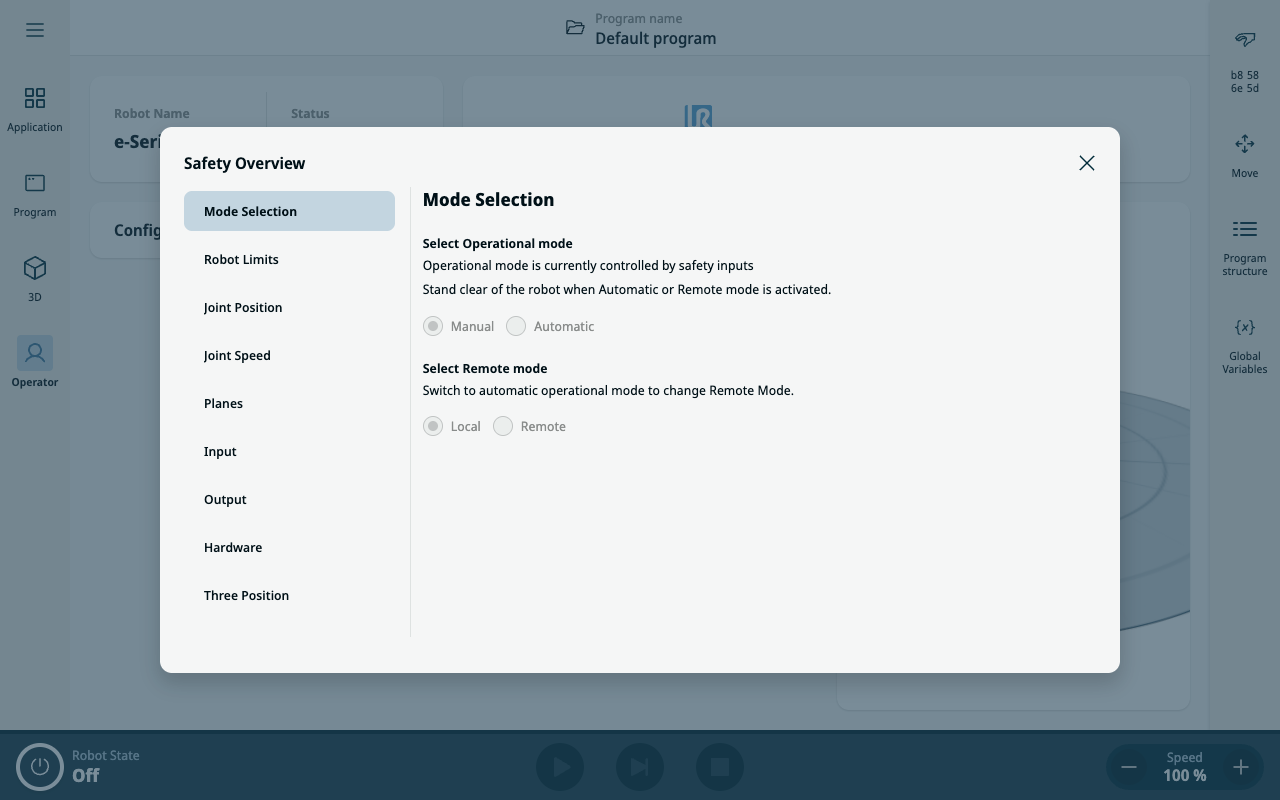
Remote Mode in Safety Overview
| Description |
When activated, Remote Mode allows external devices to connect to key services such as the Primary Interface.
|
| Toggle Access |
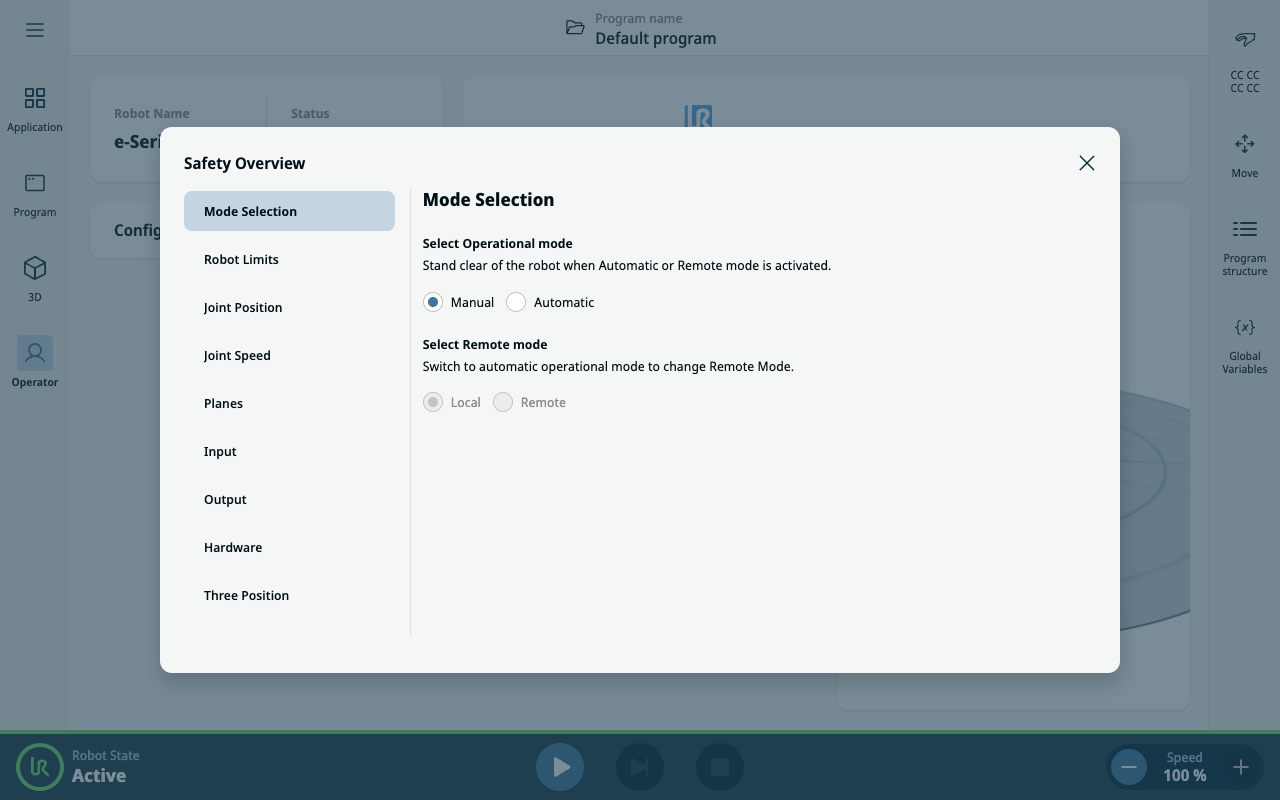
Remote Mode can be toggled via a dedicated switch in the Safety Overview dialog.
"Local" is toggled as a default. "Remote" is only active when the application is in Automatic mode.
|
|
|
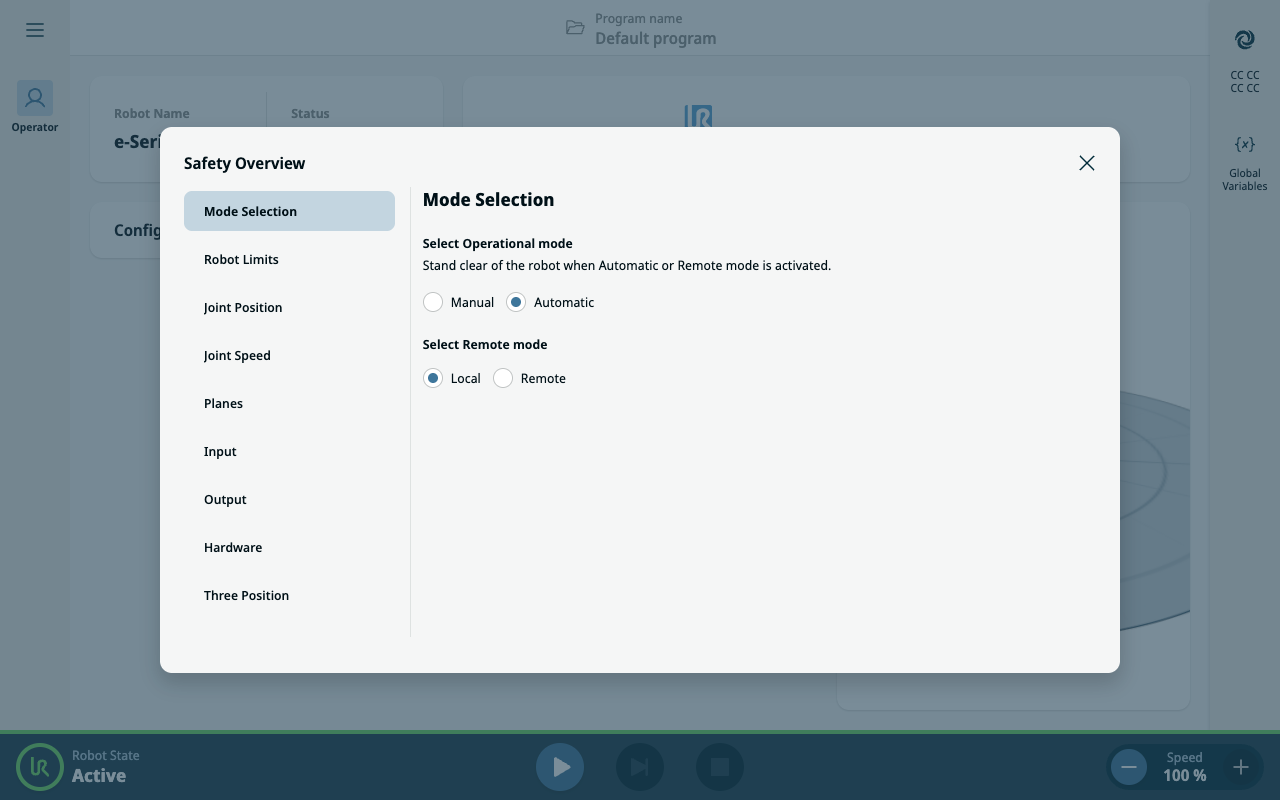
| Secure Lockdown |
While in Remote Mode, the PolyScope X interface enters a secure, read-only state. All editing and control actions are disabled, and only the Operator Screen remains accessible in view-only mode. Additionally, a Remote Mode icon is displayed above the Safety checksum to clearly indicate the system is under remote supervision.
|
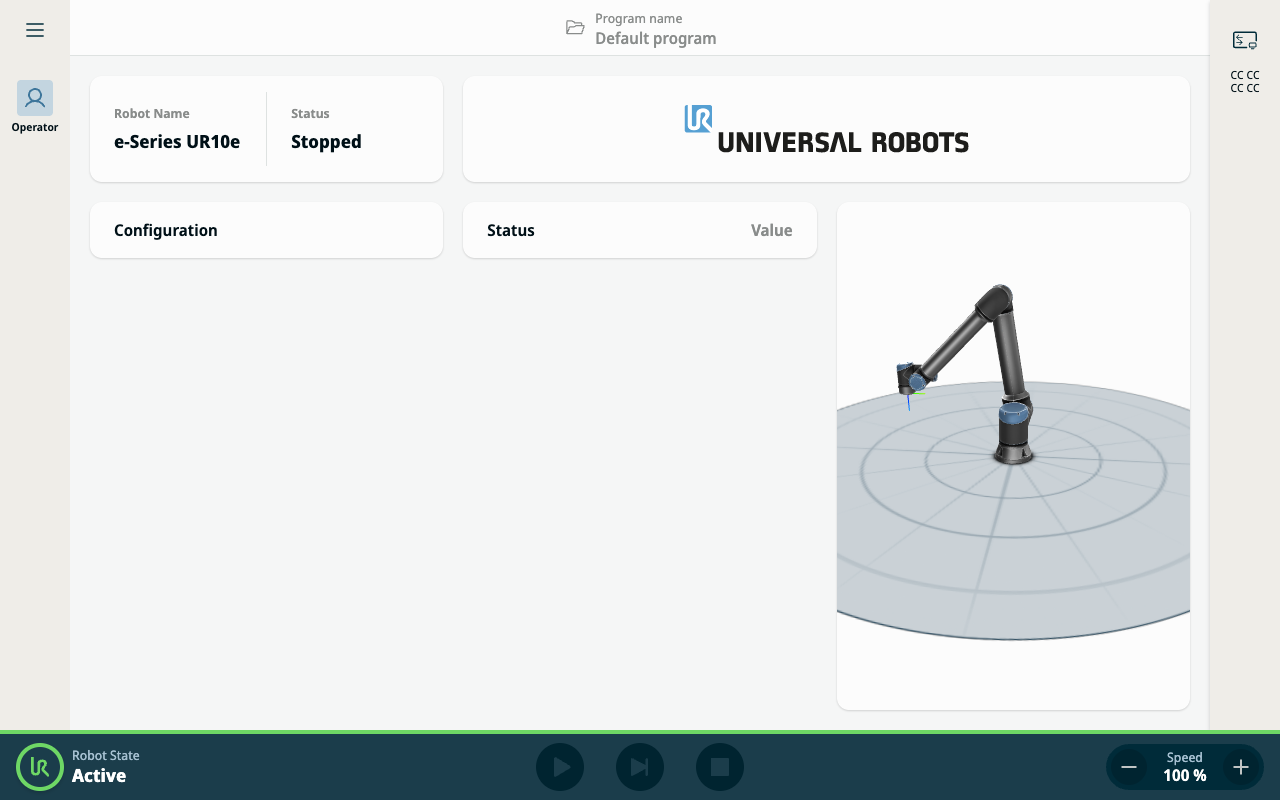
| I/O Controlled Safety |
If the robot’s operational mode is governed by an I/O signal, switching to Manual mode via I/O will automatically revert Remote Mode back to Local Mode. This feature ensures a safe and structured environment for remote monitoring, while preserving local control integrity when needed.
|