MODBUS

| Add Signal |
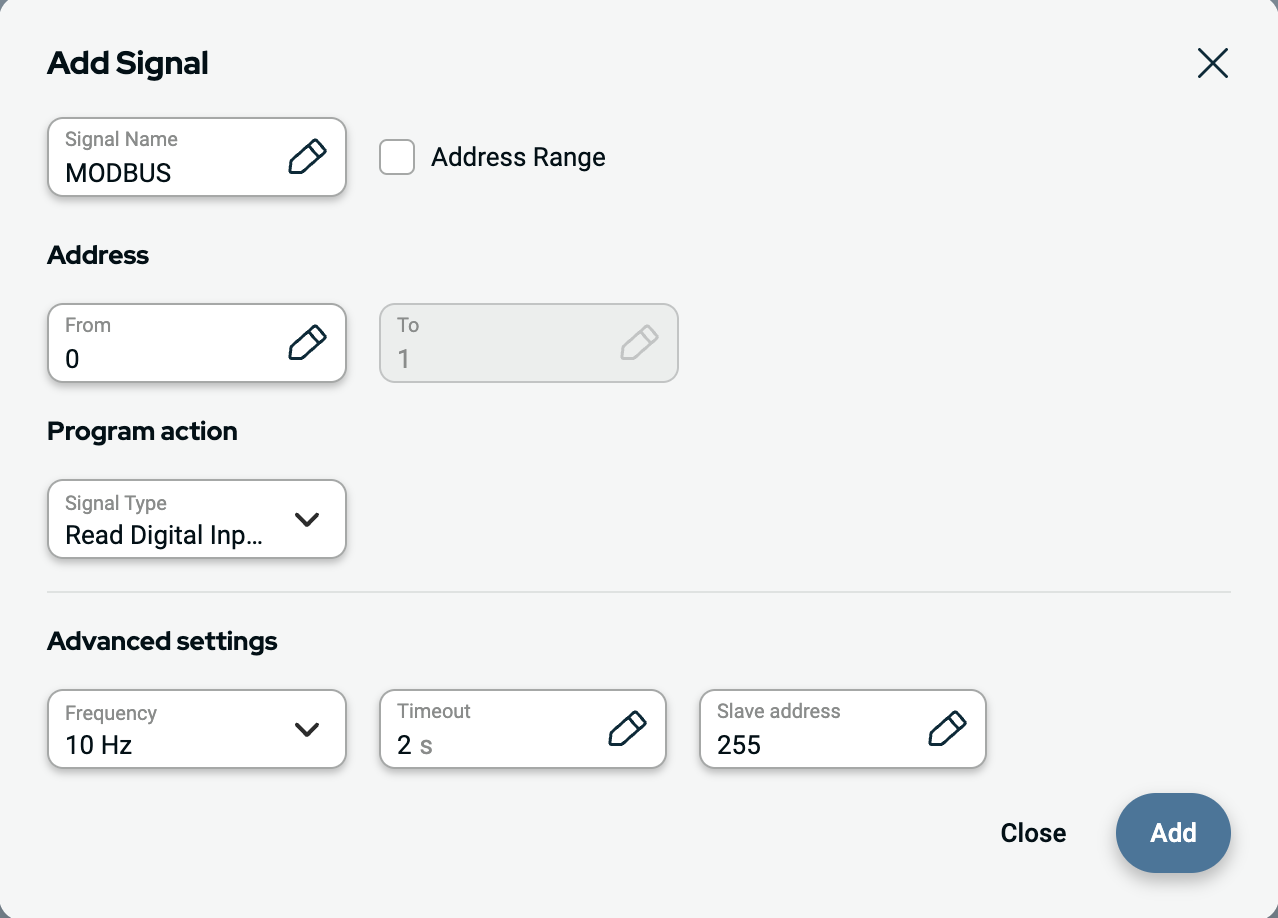
You may customized a signal name when adding a signal. Select the signal type, signal direction and specify frequency, timeout and other advanced settings. Signal could use single address or multiple addresses.
|
| Signal Source |
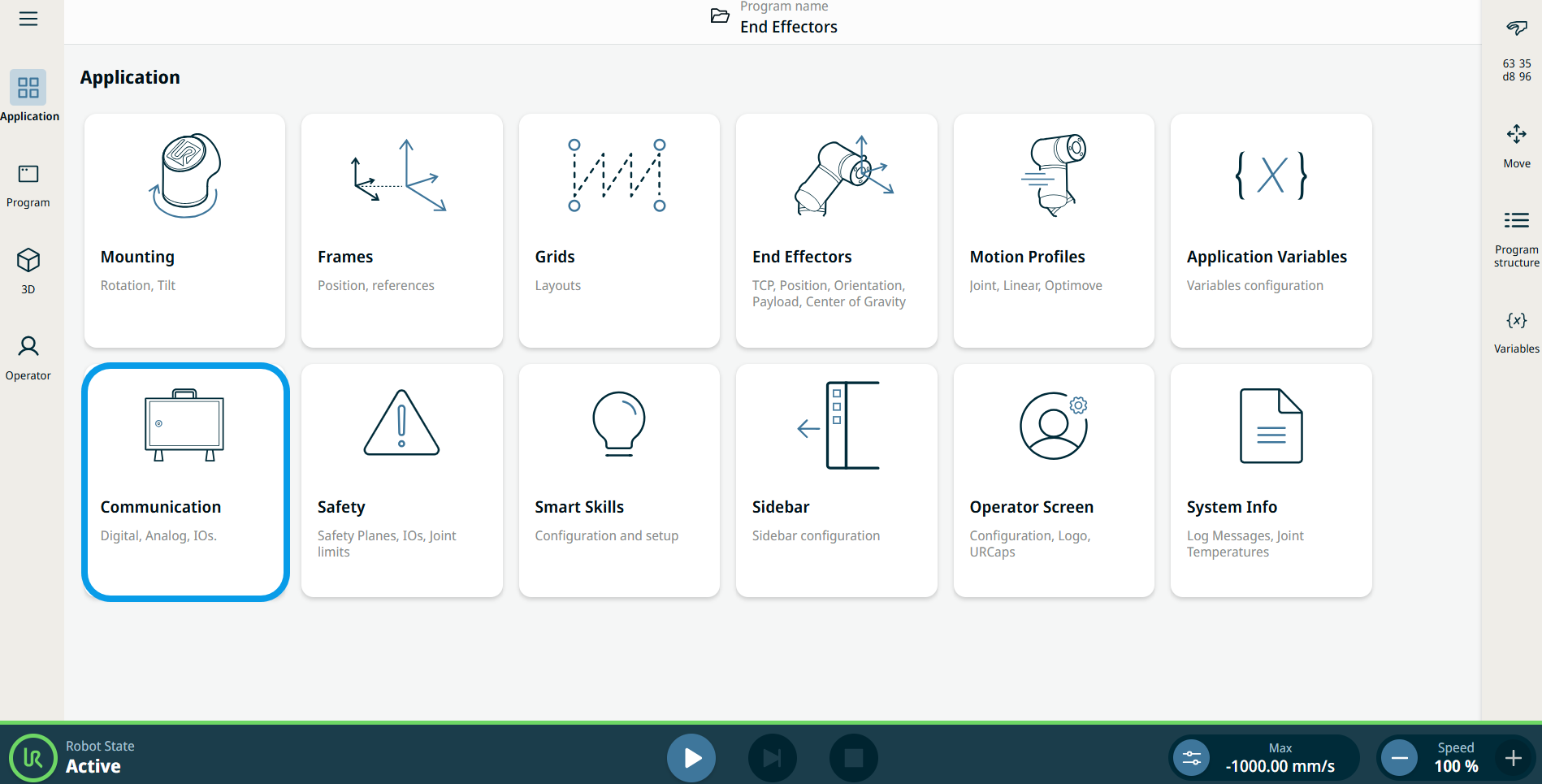
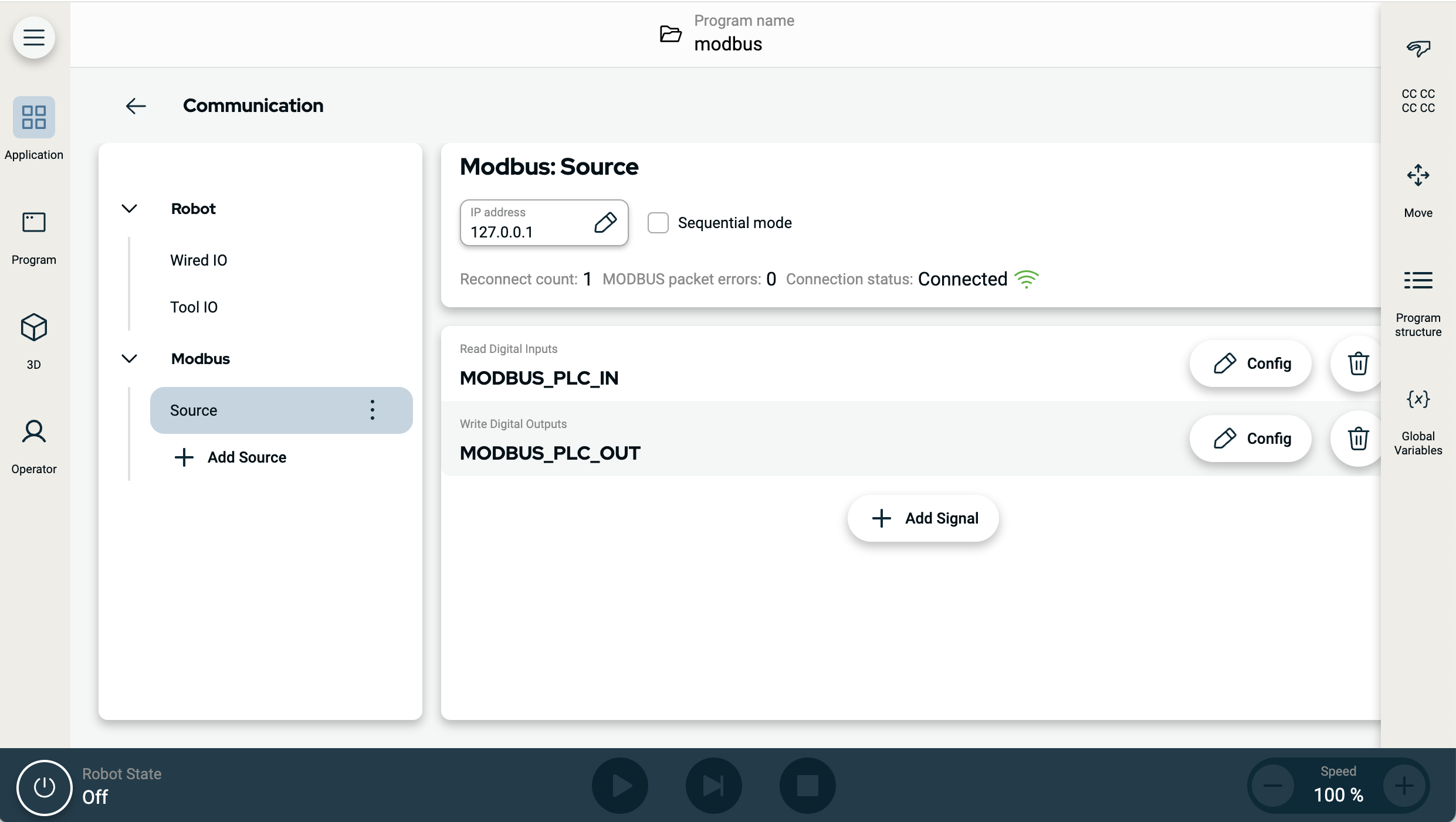
Modbus signal source settings can be edited and deleted, Tap the Config buttonto edit, and tap the trashcan icon to delete.
|
| Programming |
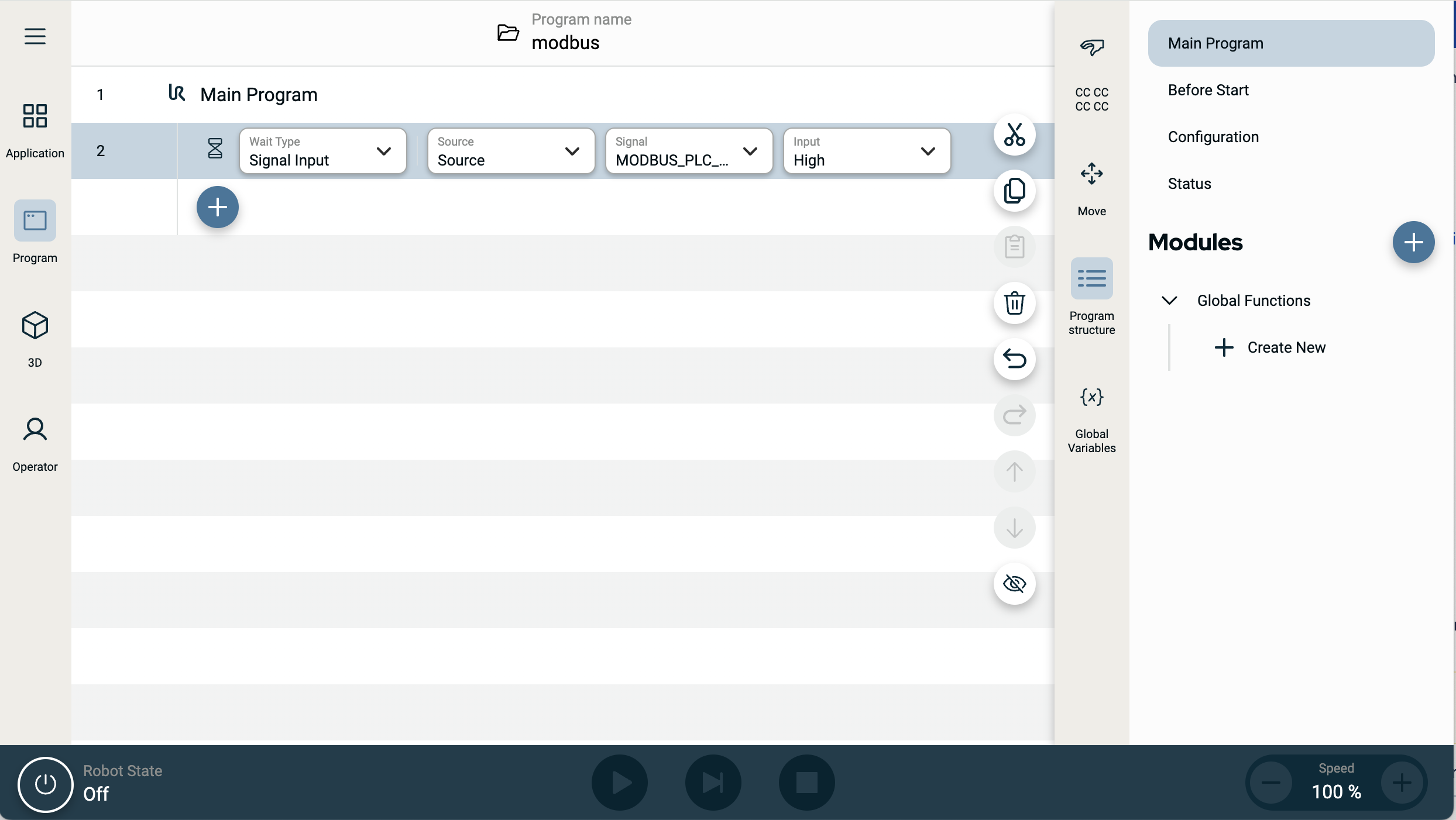
Similar to other input signals, Modbus signals can be monitored. In the Program, on Wait command, select Signal Input under Wait Type. Then choose the Modbus source, the specific input signal, and the state to wait for. Address ranges can not be used in logical expressions. The program can use only single address, even if it is part of a range.
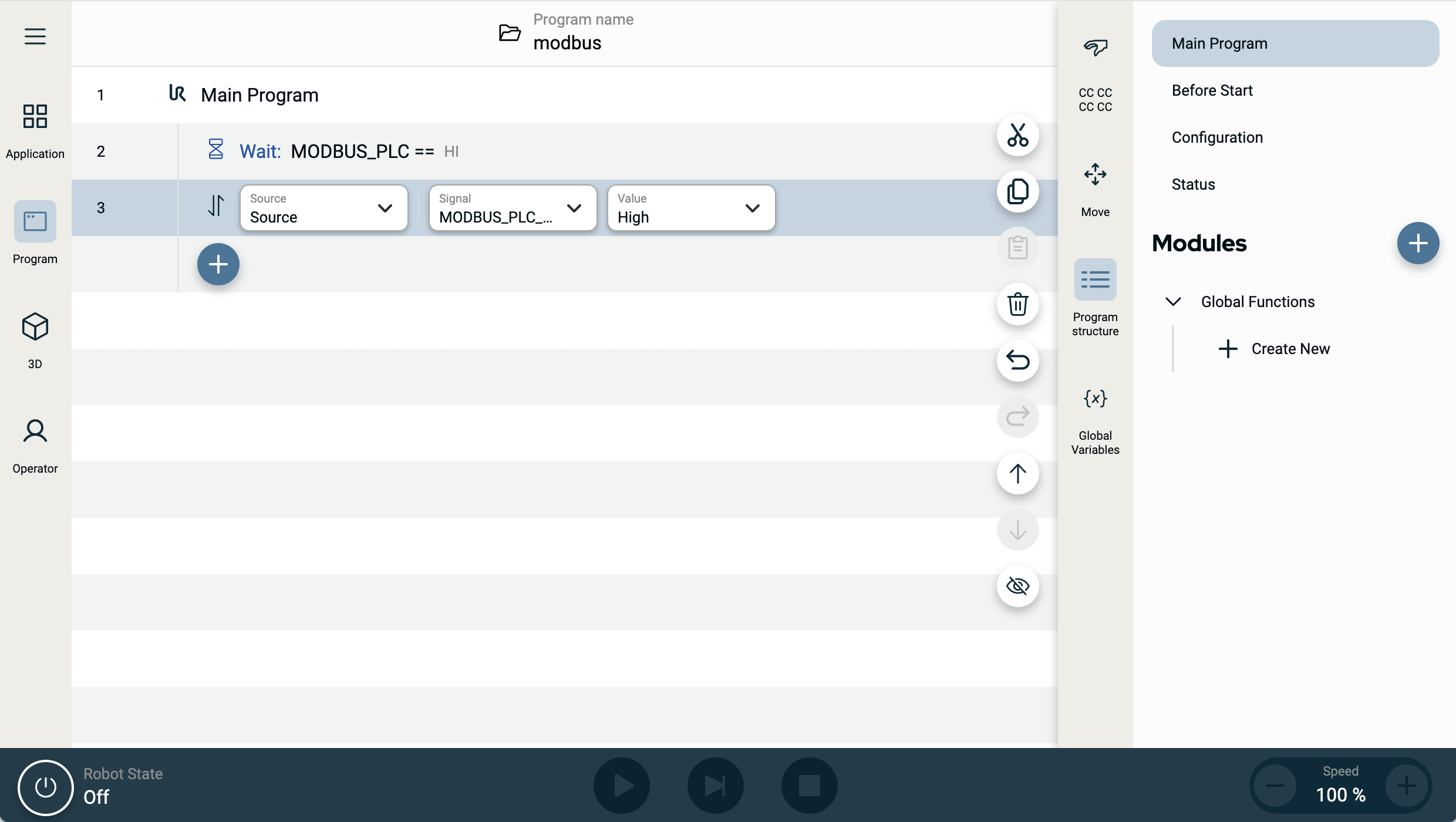
A Modbus output signal can be configured from Set command.
|